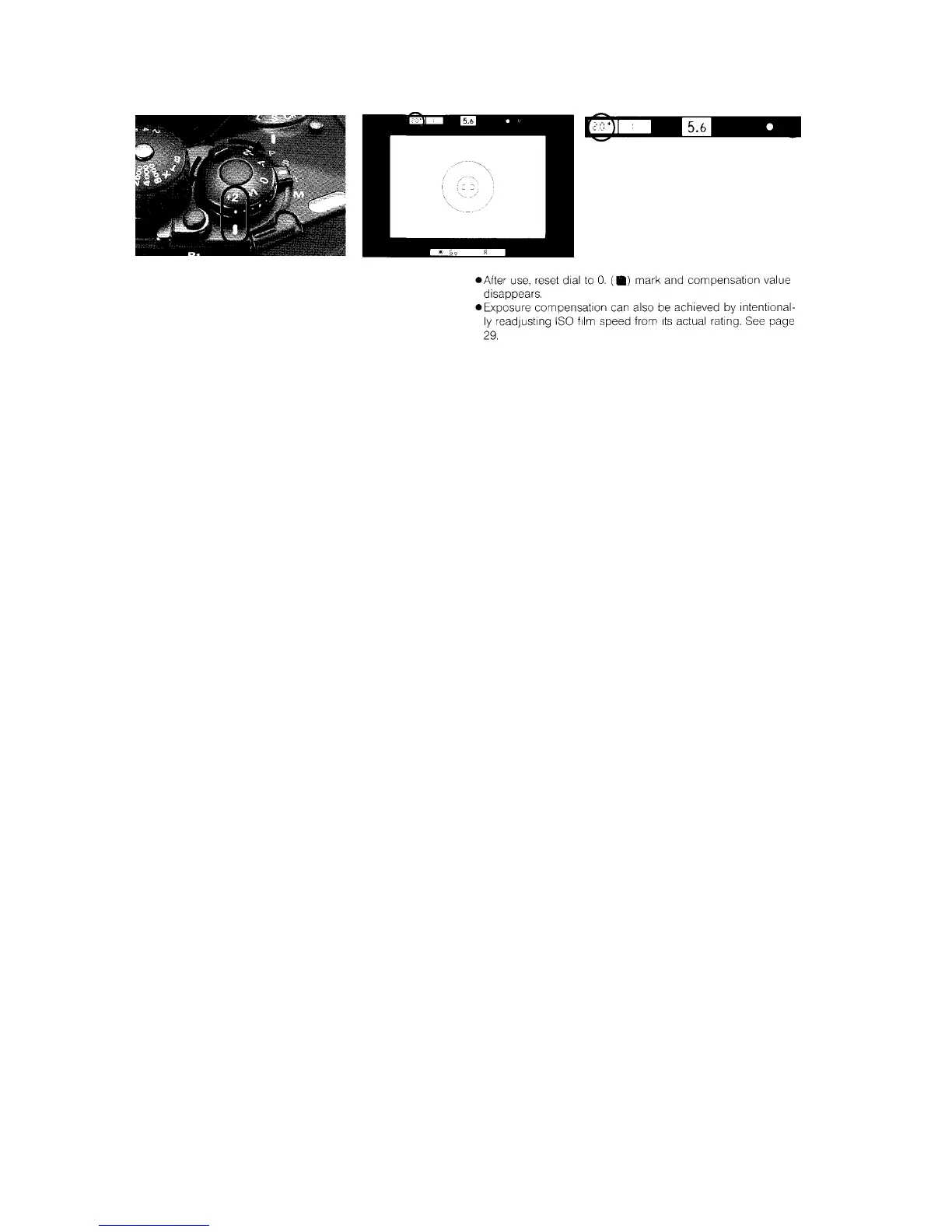
Exposure Compensation Dial
Using the exposure compensation dial, you can compensate
exposure within the range of ±2EV in 1/3 EV increments.
While sliding the lock release, rotate the exposure compensa-
tion dial to set desired compensation value. The dial is grad-
uated in one-third stop increments. —1 and —2 indicate one
and two stops underexposure, respectively; +1 and +2 indicate
one and two stops overexposure.
Because the exposure compensation mark and value appear
in the viewfinder when the shutter release button is lightly
pressed, you can set the compensation value with your eye on
your subject through the viewfinder.














 To Next Page