With Battery Pack MB-20
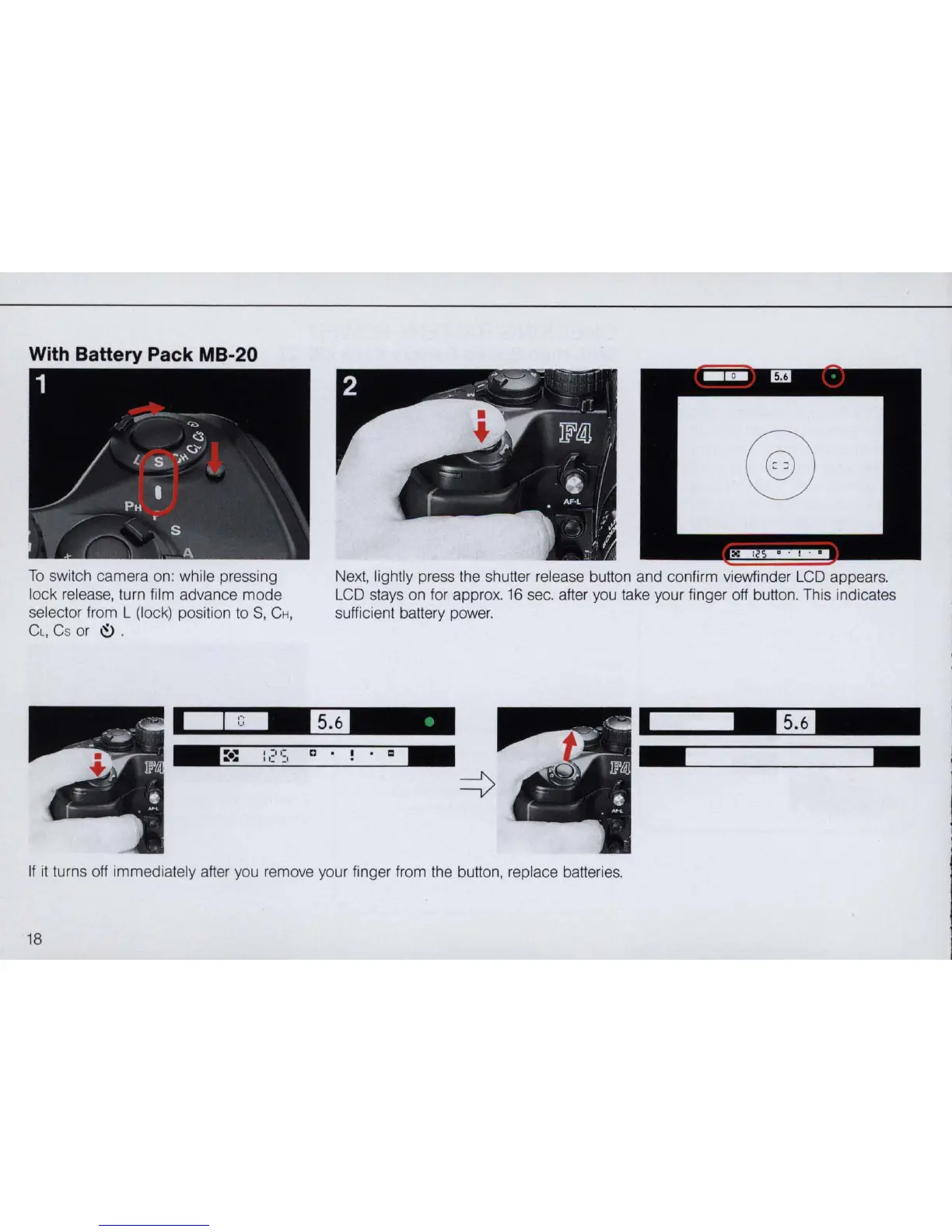
To
switch
camera
on: while pressing
lock release, turn film advance
mode
selector from L (lock) position to
S,
CH,
Cl, Cs or
~
.
@
Next, lightly press the shutter release button and confirm viewfinder LCD appears.
LCD stays on for approx. 16 sec. after you take your finger off button. This indicates
sufficient battery power.
--
m '
. "
If
it
turns off immediately after you remove your finger from the button, replace batteries.
18



 To Next Page