4948
Exposur
Exposur
e Metering System
e Metering System
Exposure
• Three choices of metering system are available to suit the lighting for
your subject.
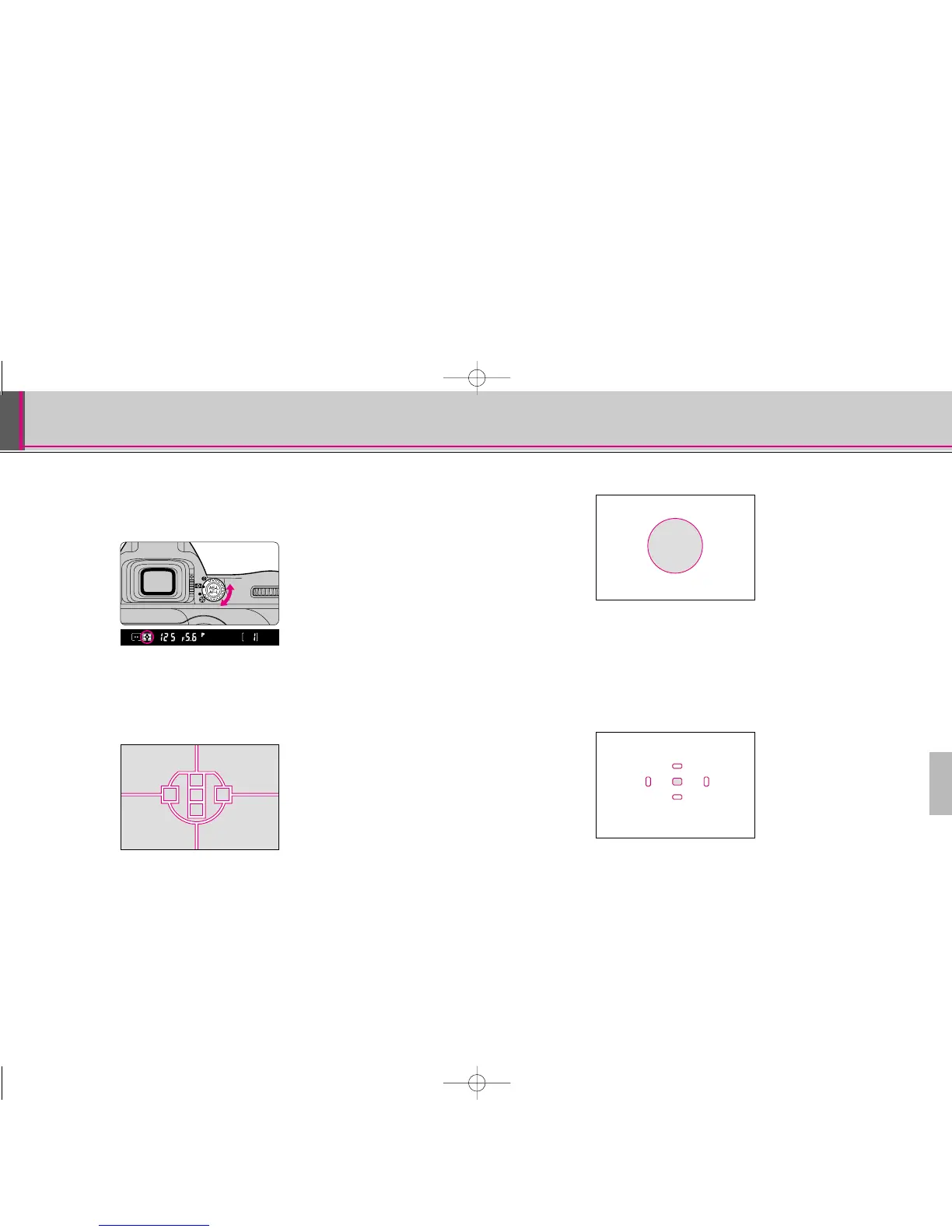
Rotate the metering system selector to select the
desired metering system.
• When a metering system is selected, it is indicated in the viewfinder.
• Metering systems cannot be used when a non-CPU Nikkor lens is attached.
• Metering systems and characteristics of each are as follows:
q: Matrix Metering/3D Matrix Metering
Matrix Metering provides correct exposure control using a 10-segment
Matrix Sensor. With D- or G-type Nikkor lenses, 10-segment 3D Matrix
Metering automatically activates, applying scene brightness, scene
contrast and subject distance information to ensure even more accurate
exposure control. Centre-Weighted or Spot Metering is recommended for
the Auto Exposure Lock function (page 58) or exposure compensation
(page 60).
w: Centre-Weighted Metering
Centre-Weighted Metering places special emphasis on brightness within
the 12mm-diameter circle in the viewfinder, so it is useful for basing
exposure on a specific area of the scene.
e: Spot Metering
Nearly 100% of the meter’s sensitivity is concentrated on the 4mm-dia.
area (approx. 1% of entire frame) within the selected focus area of the
viewfinder. Use Spot Metering when you want to base the exposure on a
very small area within the frame, such as with a backlit subject or high-
contrast scenes.
• When Spot Metering is selected, shifting focus area also shifts Spot
Metering area to a corresponding position.
• Spot Metering area stays at centre (does not shift) as long as Dynamic AF
Mode with Closest Subject Priority (page 40) is activated.
F80 (E)-Thailand 02.12.27 5:21 PM Page 48



 To Next Page