76
T
T
wo-Button Reset
wo-Button Reset
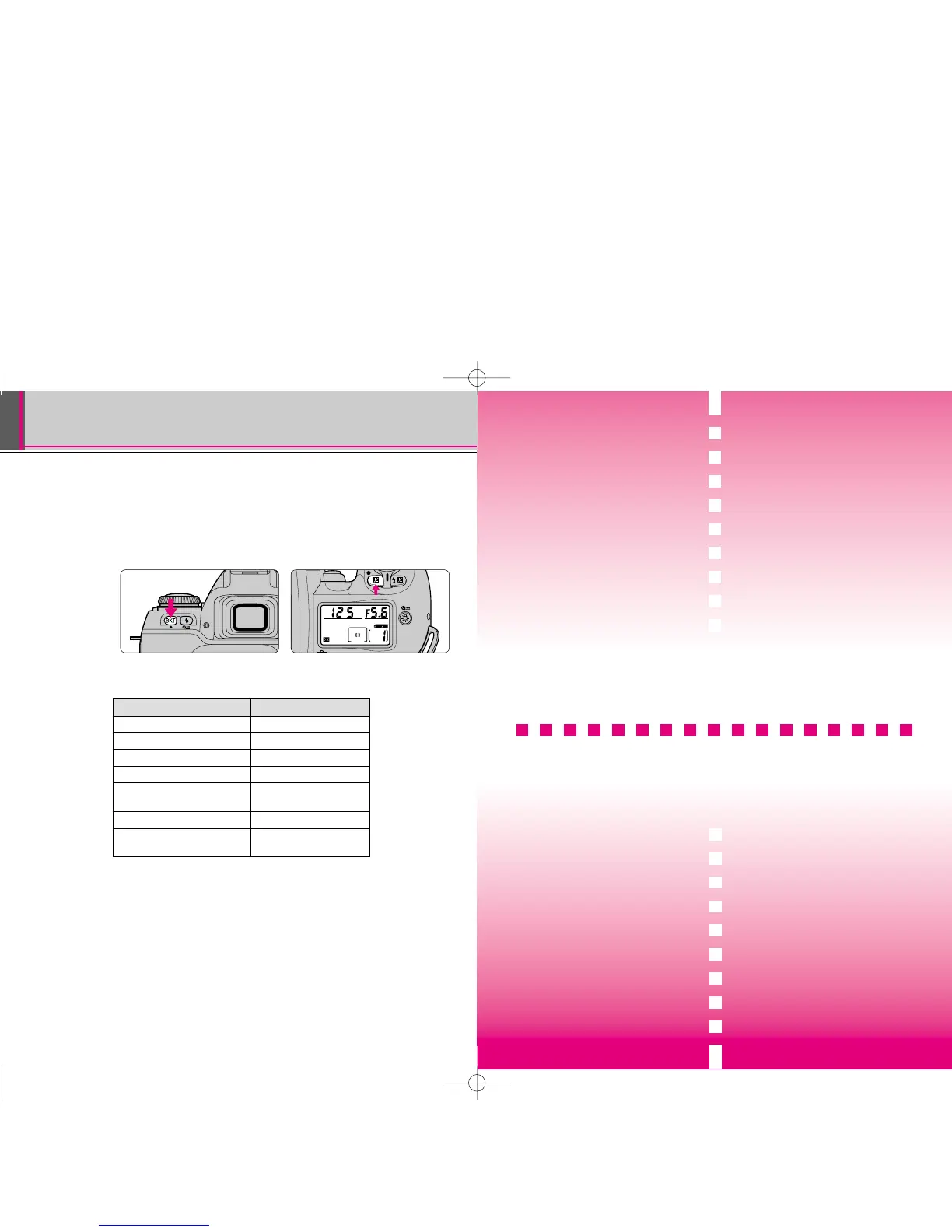
• Two-Button Reset lets you instantly reset specified settings to their
original initial settings.
Press the ¸ and ∆ buttons (indicated with green ˇ symbols)
simultaneously, and hold them for more than 2 sec.
• The LCD turns off momentarily and the following functions are reset to their
original settings with the exposure mode select dial set at either ¡, ™, £ or
¢:
Function Condition
Focus area Centre
Flexible Program Cancelled
Exposure compensation Cancelled
Auto Exposure Lock Cancelled
Auto Exposure Cancelled
Bracketing
Flash Sync mode Front-curtain sync
Flash exposure Cancelled
compensation
• Cancelling Custom Setting
• Set the exposure mode/Custom Setting select dial to · and perform Two-
Button Reset. The LCD turns off momentarily and then ç disappears from
the LCD panel. All the Custom Settings are cancelled and reset to their initial
factory settings (pages 71-75).
FLASH
PHOTOGRAPHY
You can enjoy the excitement of the Nikon
F80/F80D/F80S’s advanced flash
technology by using the built-in Speedlight
or an optional Speedlight. With the
F80/F80D/F80S system you’ll discover the
benefits of flash for more picture-taking
situations than ever. Make fill-flash a
standard part of your photography. Brighten
dull scenes and erase harsh shadows for
beautiful portraits. With the F80/F80D/F80S
system’s automatic operation, you can take
flash pictures like never before.
77
F80 (E)-Thailand 02.12.27 5:21 PM Page 76



 To Next Page