-BASIC
OPERATION-continued----------
7.
Mount
the
lens onto
the
camera.
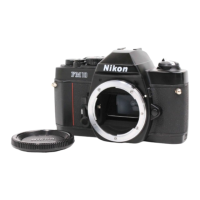
• Place the lens onto the camera, lining
up
the aperture/
focusing index
@
on
the lens with the lens mounting index ®
on
the camera body.
Then
twist the lens mounting
ring
~
counterclockwise until it clicks into place. Confirm that the
aperture/focusing index
is
right
on
top.
To
remove:
Pu
sh
the lens release button @
and
turn the lens
mounting ring clockwise until the lens comes off.
Note:
When
changing lenses with film loaded
in
the camera, be careful
not to expose the mirror box to direct sunlight.
8
8 Open
the
camera
back
60
•
•
Push
the camera back lock lever ®
counterclockwise with your index finger
while lifting the film rewind knob @.
The
camera back will pop
open.
Caution: Never touch the shutter curtains.



 To Next Page