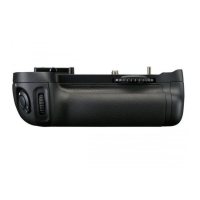
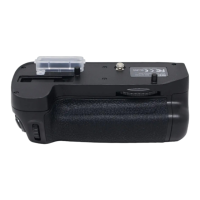
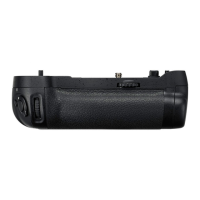
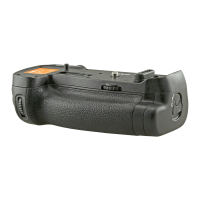
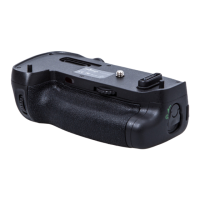
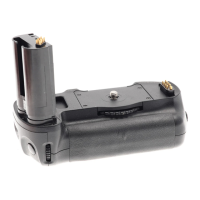
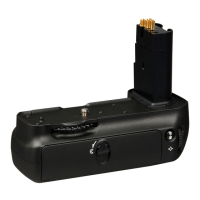
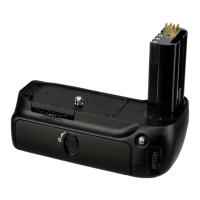
The
MS-D200
battery holder
is
inserted
in
the
MB-D80
at
shipment.
See
"Removing the Batteries"for
information
on
removing the battery holder.
Parts
of
the
MB-D80
(Figure
A)
Introduction
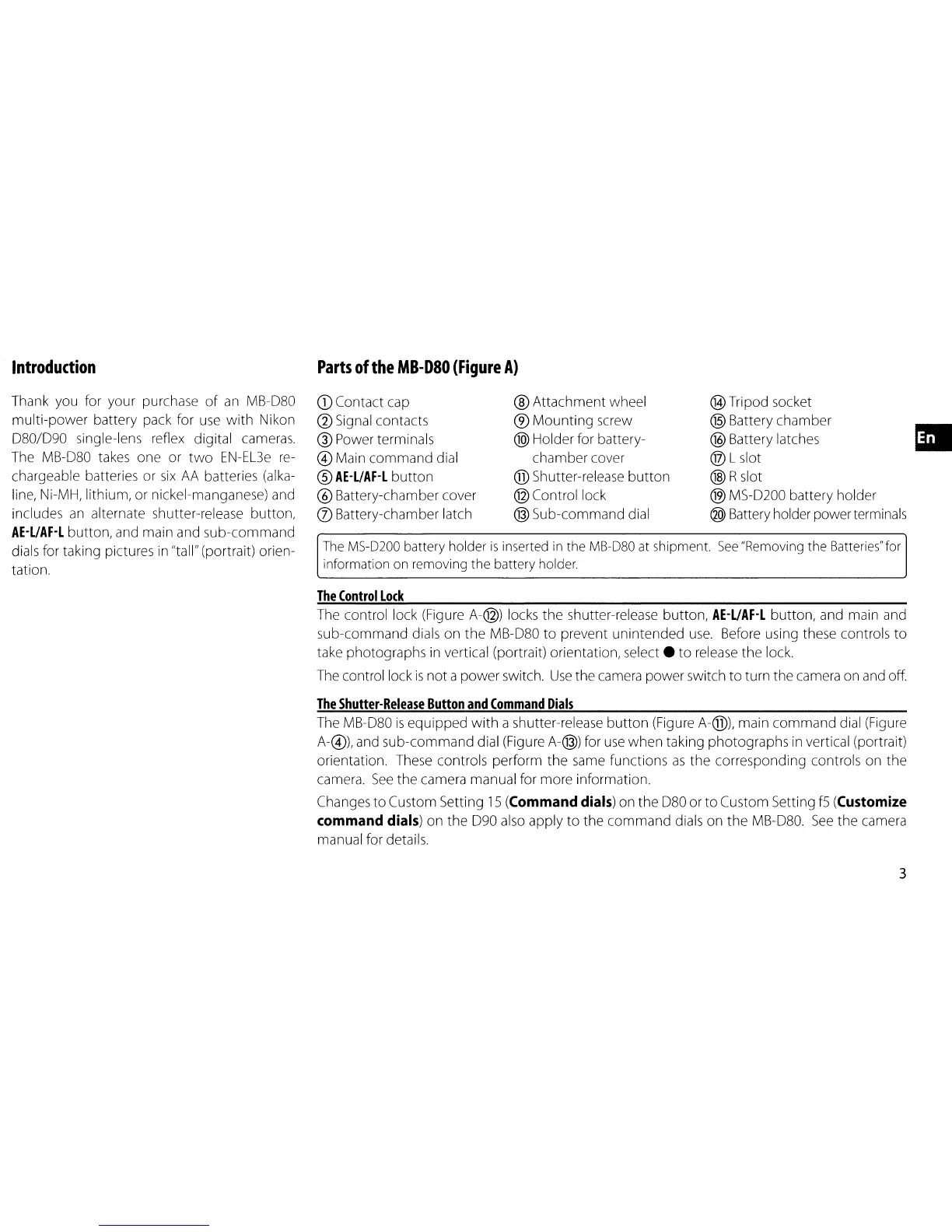
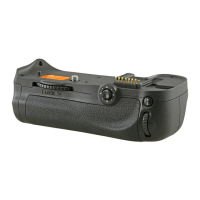
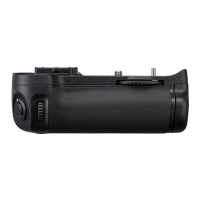
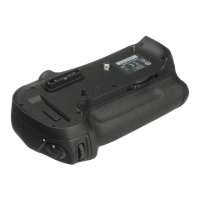
Thank you for your purchase
of
an
MB-080
multi-power
battery pack for use
with
Nikon
080/090
single-lens reflex digital cameras.
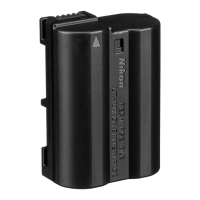
The MB-080 takes one or
two
EN-EL3e
re-
chargeable batteries or
six
AA
batteries (alka-
line, Ni-MH, lithium, or nickel-manganese) and
includes
an
alternate shutter-release button,
AE-UAF-L
button, and main and sub-command
dials for taking pictures
in
"tall" (portrait) orien-
tation.
CD
Contact cap
@ Signal contacts
® Power terminals
@ Main
command
dial
®
AE-UAF-L
button
® Battery-chamber cover
(j) Battery-chamber latch
® Attachment wheel
®
Mounting
screw
@)
Holder for battery-
chamber cover
@ Shutter-release
button
@ Control lock
@ Sub-command dial
®Tripod socket
@ Battery chamber
@ Battery latches
® L slot
® Rslot
® MS-0200 battery holder
@ Battery holder powerterminals
•
The
Control
Lock
The control lock (Figure A-@) locks the shutter-release button,
AE-L/AF-L
button, and main and
sub-command dials on
the
MB-080
to
prevent unintended
use.
Before using these controls
to
take photographs
in
vertical (portrait) orientation,
select.
to
release
the
lock.
The control lock
is
not a
power
switch.
Use
the camera power switch
to
turn the camera on and off.
The
Shutter-Release
Button
and
Command
Dials
The MB-080
is
eqUipped
with
a shutter-release
button
(Figure A-@), main
command
dial (Figure
A-@), and sub-command dial (Figure A-@) for
use
when taking photographs
in
vertical (portrait)
orientation. These controls perform
the
same functions
as
the
corresponding controls on
the
camera.
See
the camera manual for more information.
Changes
to
Custom Setting
15
(Command
dials)
on
the
080
or
to
Custom Setting
f5
(Customize
command
dials)
on the
090
also apply
to
the
command
dials on
the
MB-080.
See
the camera
manual for details.
3


 To Next Page