The
AE-UAF-L
Button
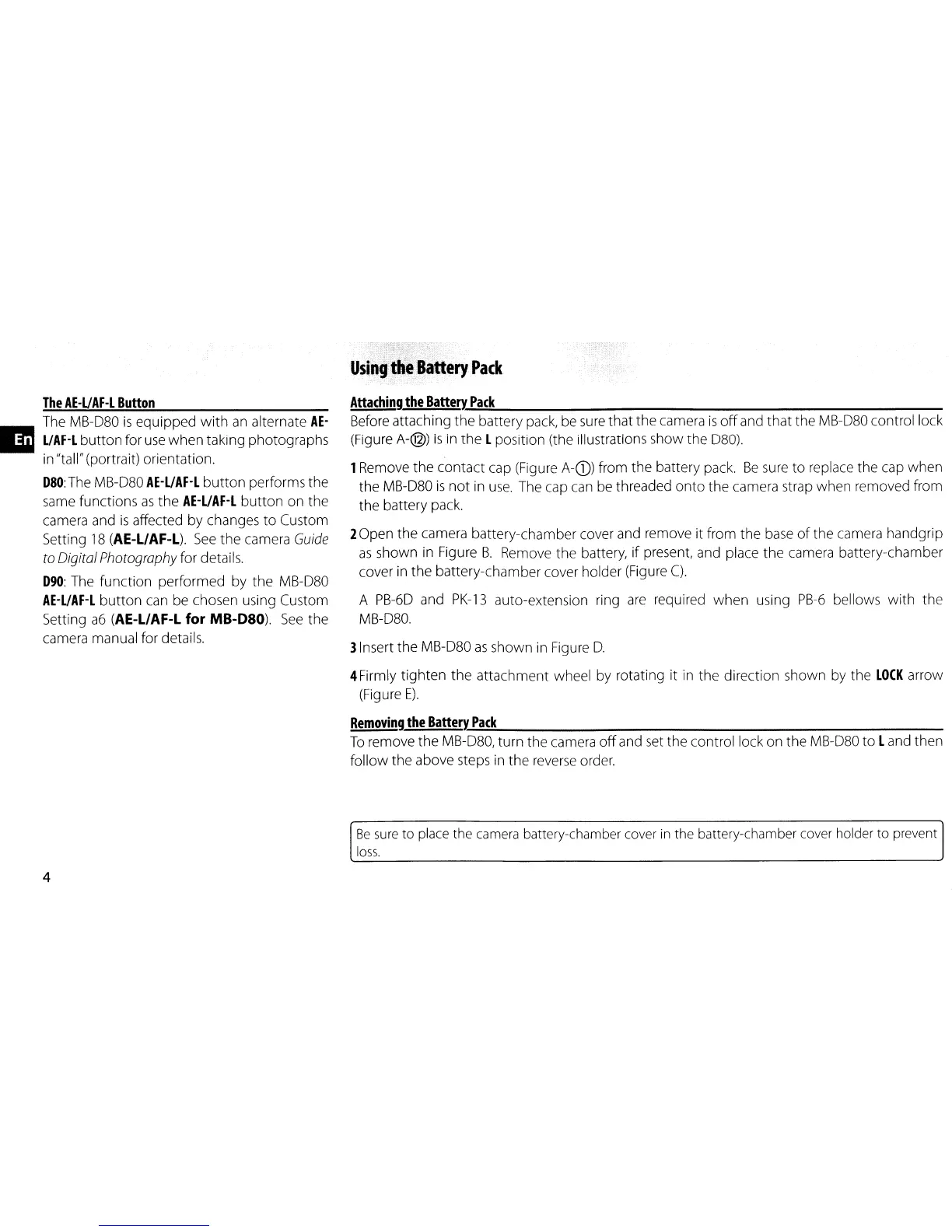
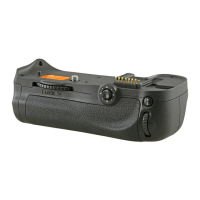
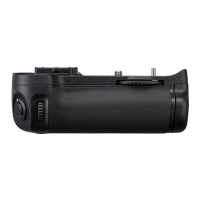
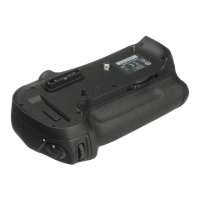
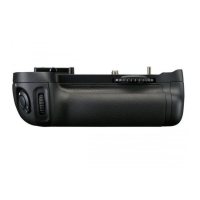
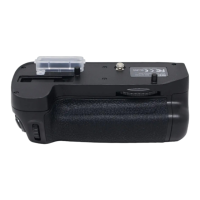
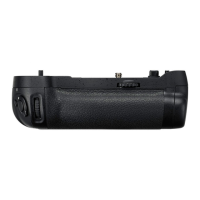
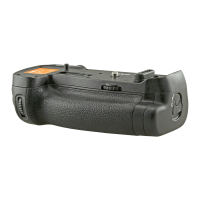
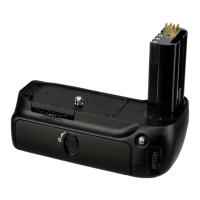
The MB-D80
is
equipped
with
an
alternate
AE-
a
UAF-L
button
for
use
when
taking photographs
in "tall" (portrait) orientation.
D80:
The MB-D80
AE-UAF-L
button
performs the
same functions
as
the
AE-L/AF-L
button
on the
camera and
is
affected by changes
to
Custom
Setting
18
(AE-L/AF-L).
See
the
camera
Guide
to
Digital
Photography
for details.
D90:
The function performed by the MB-D80
AE-UAF-L
button
can be chosen using Custom
Setting
a6
(AE-L/AF-L
for MB-D80).
See
the
camera manual for details.
4
Using
th~.attery
Pack
Attaching
the
Batterx..;.P,;;,;ac:.:,:k
_
Before attaching
the
battery pack, be
sure
that the camera
is
off
and that the MB-D80 control lock
(Figure A-@)
is
in the L position (the illustrations show the 080).
1Remove
the
contact cap (Figure A-G)) from the battery pack.
Be
sure
to
replace the cap when
the MB-D80
is
not
in
use.
The cap can be threaded
onto
the camera strap when removed from
the battery pack.
2Open the camera battery-chamber cover and remove it from the base
of
the camera handgrip
as
shown
in
Figure
B.
Remove the battery,
if
present, and place
the
camera battery-chamber
cover in the battery-chamber cover holder (Figure
C).
A
PB-6D
and
PK-13
auto-extension ring
are
required
when
using
PB-6
bellows
with
the
MB-D80.
3Insert the MB-D80
as
shown in Figure
D.
4Firmly tighten
the
attachment wheel by rotating it
in
the direction shown by the
LOCK
arrow
(Figure
E).
Removing
the
BatterX..;.P,;;,;ac:::,:k:......
_
To
remove
the
MB-D80, turn the camera
off
and set the control lock on the MB-D80
to
Land then
follow
the
above steps in
the
reverse order.
Be
sure
to
place
the
camera battery-chamber cover
in
the
battery-chamber cover holder
to
prevent
loss.


 To Next Page