Inserting
Batteries
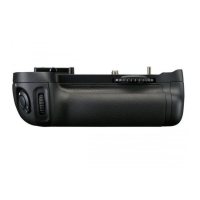
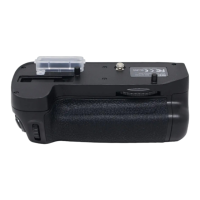
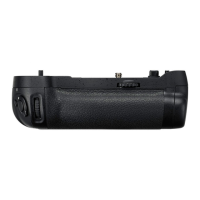
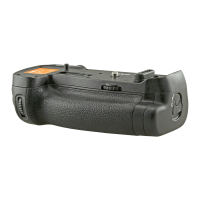
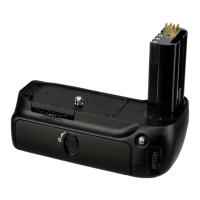
The MB-D80 can be used
with
one
or
two
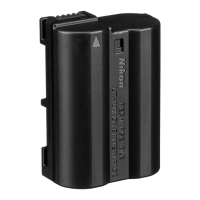
EN-EL3e
rechargeable Li-ion batteries, or
with
six
AA
batteries inserted
in
the
MS-D200 battery holder.
Before
inserting batteries, be
sure
that the camera
is
off
and that the MB-D80 control lock
is
in
the L
position.
1Turn
the
battery-chamber latch
on
the
back
of
the
MB-D80
to
~
and
open
the
battery-chamber
cover (Figure
F).
21
nsert
the
batteries.
EN-EL3e:
Insert the batteries
as
shown
on
the
inside
of
the
battery
chamber
cover. The battery
latch will slide aside
during
insertion and
pop
up
to
lock the battery in place
when
fully inserted
(Figure
G).
If only
one
battery
is
used, it may be inserted
into
either slot.
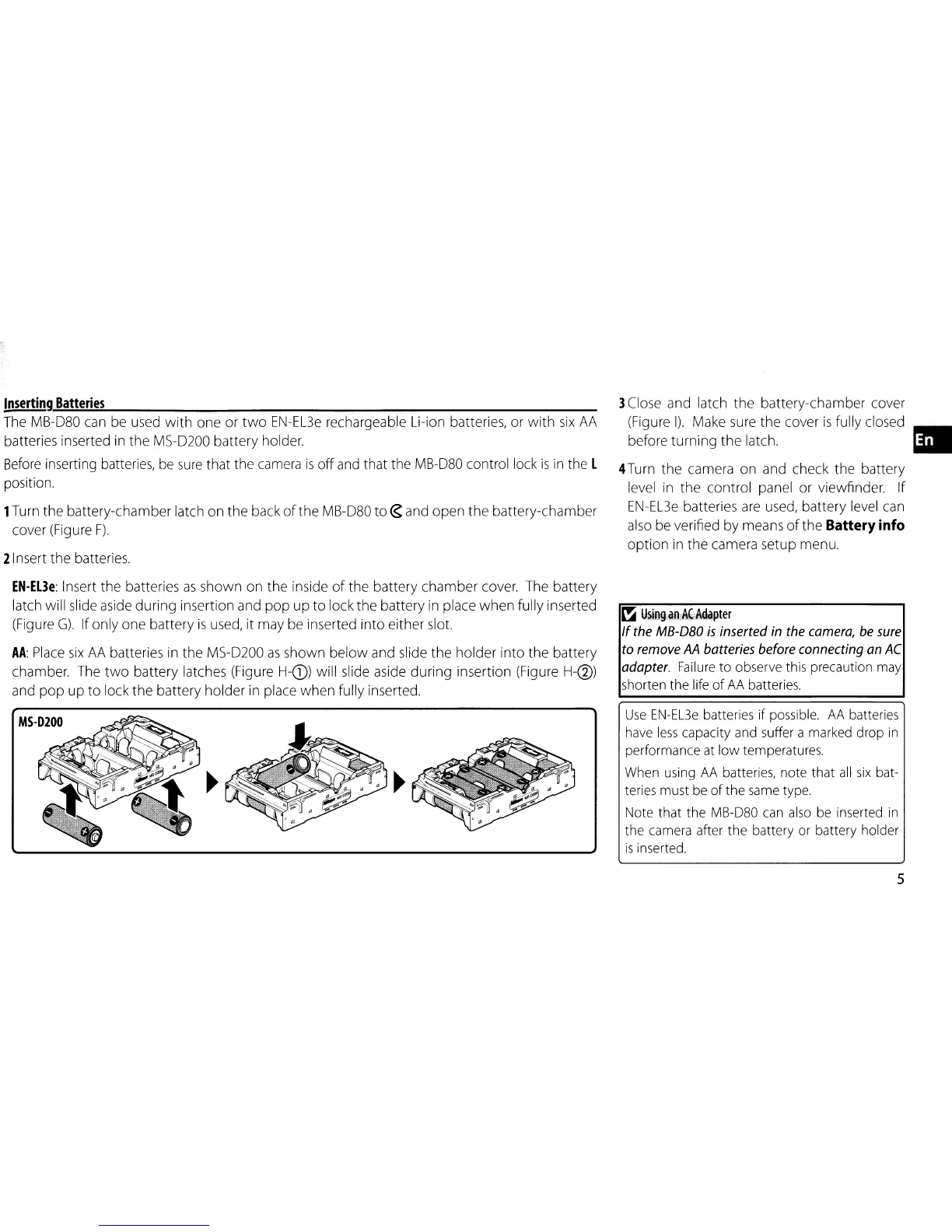
AA:
Place
six
AA
batteries in
the
MS-D200
as
shown
below
and slide
the
holder
into
the
battery
chamber. The
two
battery latches (Figure H-(D) will slide aside
during
insertion (Figure H-@)
and
pop
up
to
lock
the
battery
holder
in place
when
fully inserted.
MS-D200
3Close and latch
the
battery-chamber cover
(Figure
I).
Make sure
the
cover
is
fully closed •
before
turning
the
latch.
4Turn
the
camera
on
and check
the
battery
level in
the
control panel or viewfinder.
If
EN-EL3e
batteries are used, battery level can
also be verified
by
means
of
the
Battery info
option
in
the
camera setup menu.
~
U~ini,iln::'~ii\~apter
If
the
MB-D80
is
inserted
in
the
camera,
be
sure
to
remove
AA
batteries
before
connecting
an
AC
adapter.
Failure
to observe this precaution may
shorten the life
of
AA
batteries.
Use
EN-EL3e
batteries if possible.
AA
batteries
have
less
capacity and suffer a marked drop
in
performance
at
low temperatures.
When using
AA
batteries, note that
all
six
bat-
teries must
be
of
the
same
type.
Note that the MB-D80
can
also
be
inserted
in
the camera after the battery or battery holder
is
inserted.
5


 To Next Page