C':j
c:::::.
Low battery.
Ready
s
are
batteries.
~tterylnfo
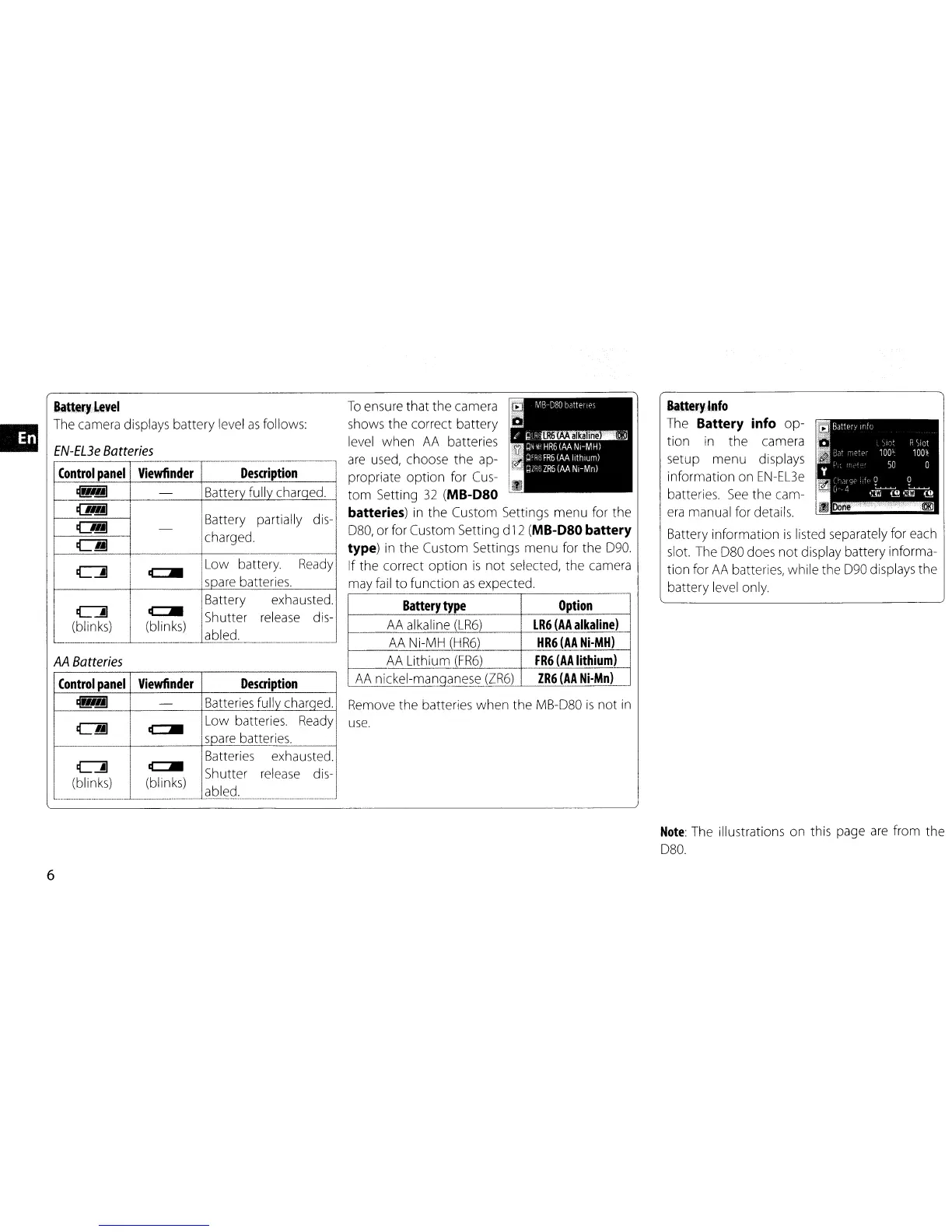
The Battery info
op-
tion
in
the
camera
setup menu displays
information on
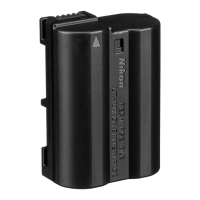
EN-EL3e
batteries.
See
the
cam-
era
manual for details.
Battery information
is
listed separately for each
slot. The
080
does
not
display battery informa-
tion for
AA
batteries, while the D90 displays the
battery level only.
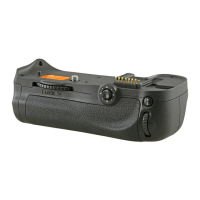
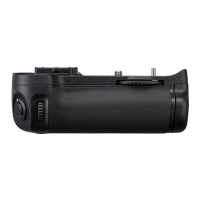
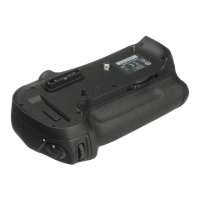
Remove the batteries
when
the MB-080
is
not
in
use.
To
ensure
that
the
camera
shows the correct battery
level
when
AA
batteries
are
used, choose
the
ap-
propriate
option
for Cus-
tom
Setting
32
(MB-D80
batteries)
in
the
Custom Settings menu for the
080, or for Custom Setting d
12
(MB-D80 battery
type)
in
the
Custom Settings menu for the 090.
If the correct
option
is
not
selected, the camera
may fail
to
function
as
expected.
Battery
type
Option
AA
alkaline
(LR6)
LR6
(AA
alkaline)
AA Ni-MH
(HR6)
HR6
(AA
Ni-MH)
AA
Lithium
(FR6)
FR6
(AA
lithium)
__
AA
nickel-manqanese
(ZR6)
ZR6
(AA
Ni-Mn)
--_·--··--l
Description
Battery fully charged._
Battery partially dis-
charged.
Control
panel
Viewfinder
ifttery
level
The camera displays battery level
as
follows:
EN-EL3e
Batteries
Battery exhausted.
b
el'
::AI
k
·)
(c:::::.
bl
·
k)
Shutter release dis-
___
~~~~~_~_~_
abled. --'
AA
Batteries
Control
panel
Viewfinder
Description
~
-
Batteries fully charqed.
~
c::::::.
Low
batteries. Ready
soare batteries.
Batteries
exhausted.
C':j
c:::::.
Shutter release dis-
(blinks)
(blinks)
abled.
.~
..
~
..
__
~
....
~.
__
~
__
._.
_
__
._._.
__
H
....
H.·.·_
"'H'
...
_-_._-
............
_--_.
__
._.
__
._._._----
.
...
__
._
..
_-
•
Note:
The illustrations
on
this page
are
from
the
080.
6


 To Next Page