CHECKING BATTERY POWER
6
~-----------
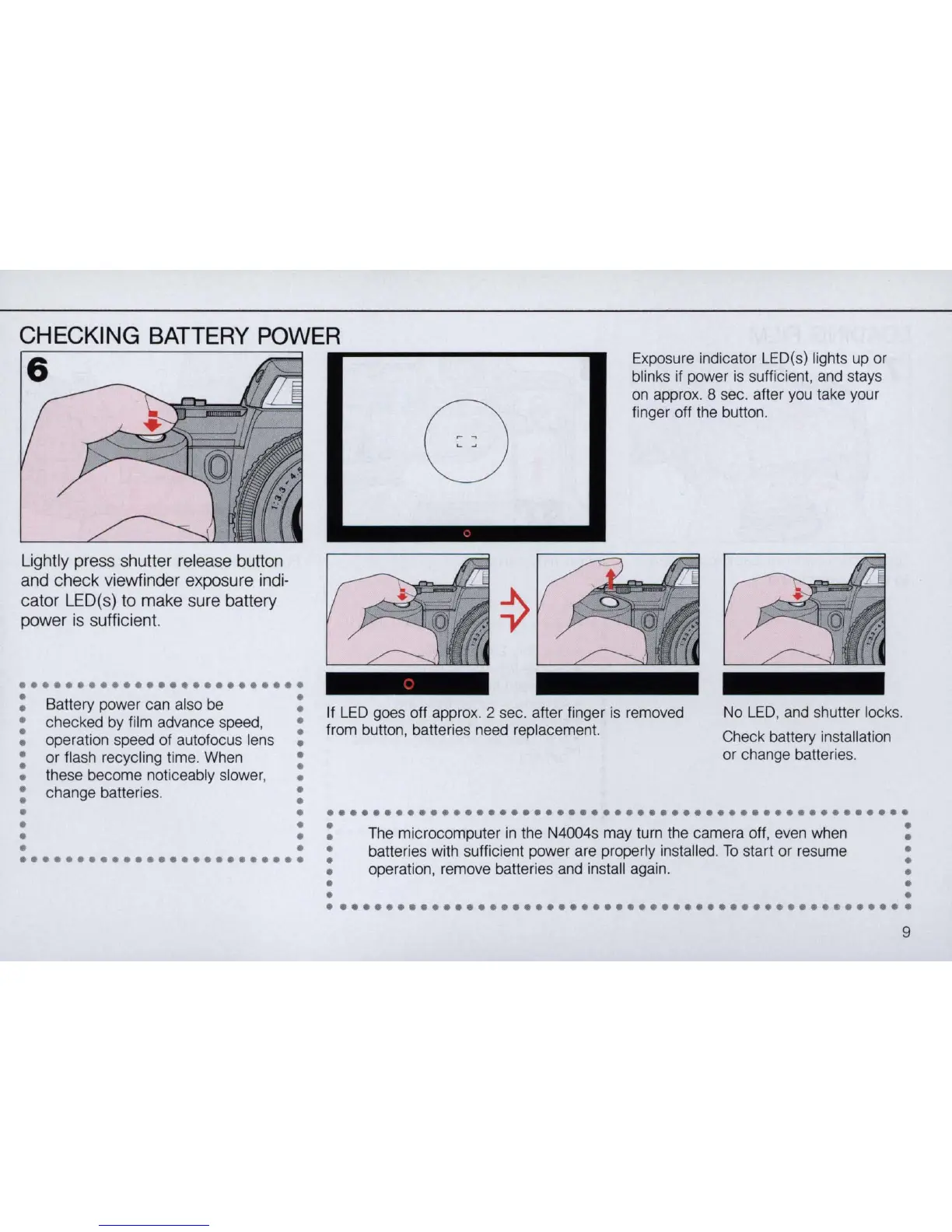
Exposure indicator LED(s) lights up or
blinks if power is sufficient, and stays
on
appro
x.
8 sec. after you take your
finger off the button.
Lightly press shutter release button
and check viewfinder exposure indi-
cator LED(s) to make sure battery
power
is
sufficient.
•••••••••••••••••••••••••
: Battery power can also
be
:
: checked by film advance speed, :
• operation speed of autofocus lens •
: or flash recycling time. When :
• these become noticeably slower, •
: change batterie
s.
:
• •
•
•
•
•
•
•
•••••••••••••••••••••••••
If
LED
goes off appro
x.
2 sec. after finger
is
removed
from button, batteries need replacement.
No
LED
, and shutter lock
s.
Check battery
in
stallation
or change batterie
s.
•
••••••••••••••••••••••••••••••••••••••••••••••••••
: The microcomputer
in
the N4004s may turn the camera off, even when :
: batteries with sufficient power are properly installed.
To
start or resume :
• operation, remove batteries and install again. •
• •
• •
•••••••••••••••••••••••••••••••••••••••••••••••••••
9



 To Next Page