E
23
2
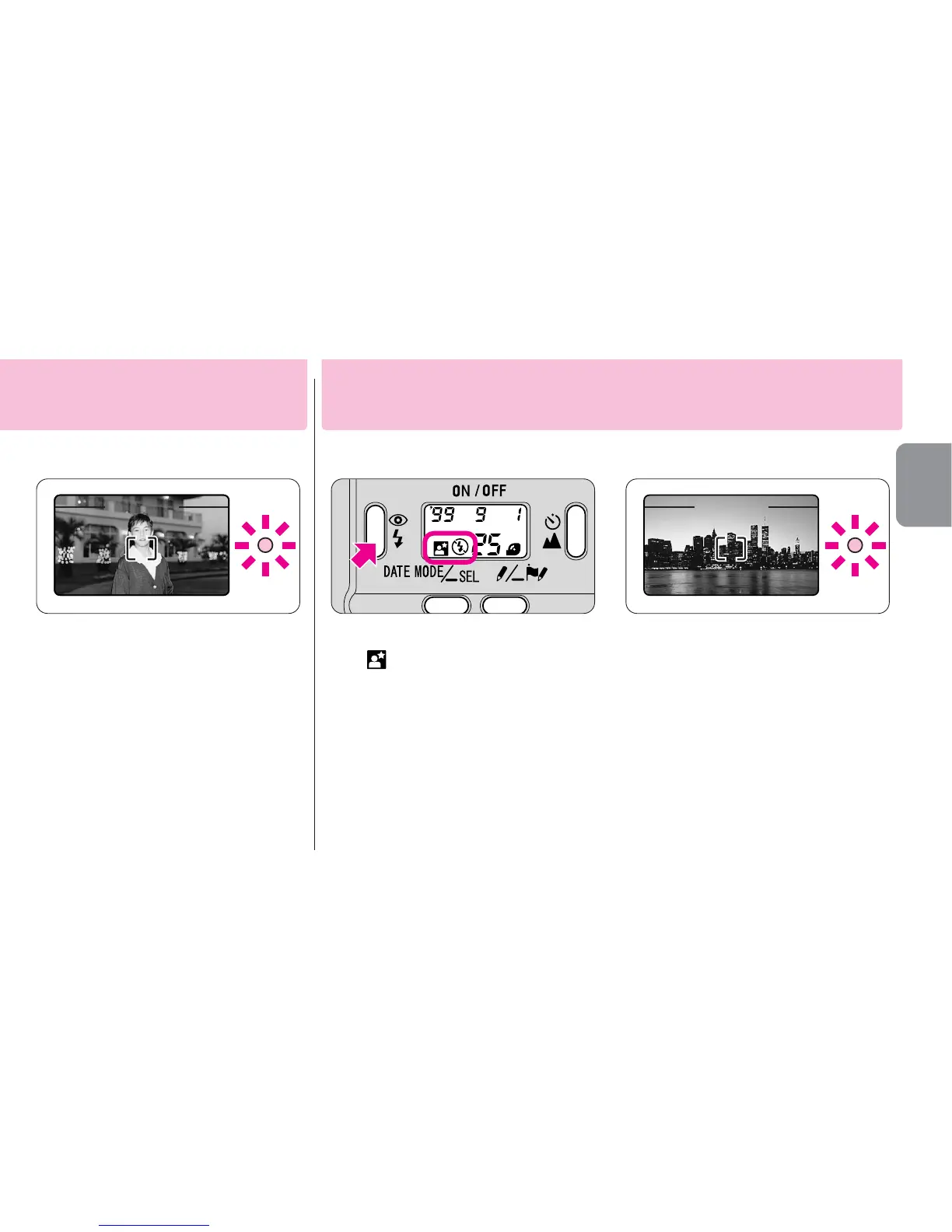
Compose the picture
and shoot.
•If “
J
” blinks on the LCD panel, wait for
“
J
” to disappear before shooting.
•The green LED blinks slowly when slow
shutter speeds are selected. In this
case, the use of a tripod is
recommended to prevent camera shake.
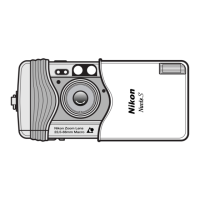
1
Press the @J button until
“
#
” appears on the LCD
panel.
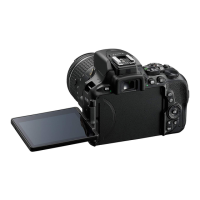
2
Compose the picture and
shoot.
•The green LED blinks slowly when slow
shutter speeds are selected. In this
case, the use of a tripod is
recommended to prevent camera shake.
Use this mode where flash photography is prohibited or to achieve a natural
lighting effect in night scenes.
Flash cancel mode
for both the main subject and background






 To Next Page