4746
TTL Auto Flash Mode: For F4-Series, F-801/N8008 and F-801s/N8008s Users
Chapter
3
12
Fully depress the shutter release button to fire flash.
13
Check again whether ready-light is blinking.
If ready-light blinks for a few seconds after shooting, flash
has fired at its maximum output but the light may have been
insufficient.
Reconfirm shooting distance and, if necessary, move closer
to subject or select a wider aperture (in aperture-priority
auto or manual exposure mode) to compensate underexpo-
sure.
Firing Flash
11
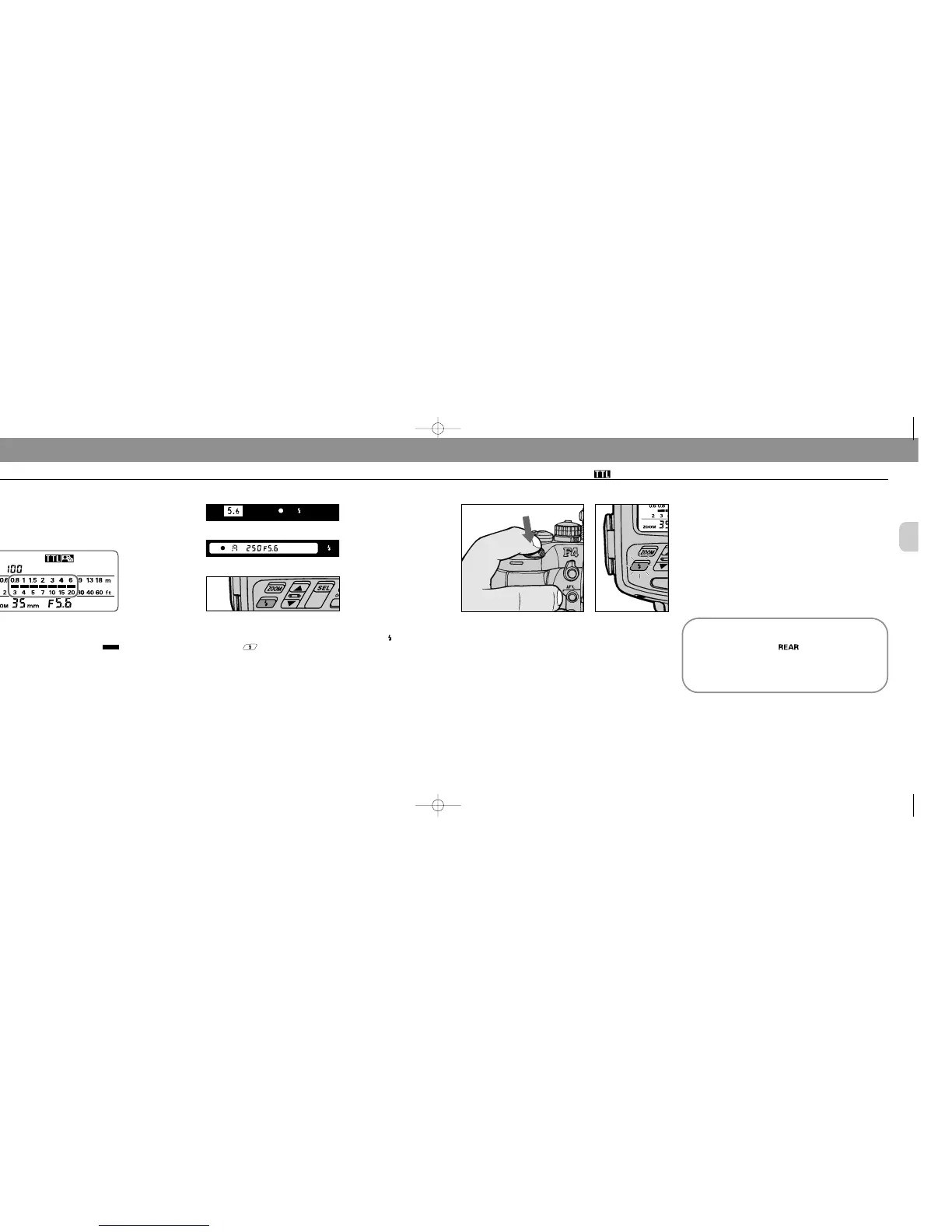
Confirm ready-light has come on and subject is in
focus.
Confirm ready-light is on in the camera’s viewfinder or on
the SB-25 .
Check whether subject is in focus by using the in-focus
indicator I in the camera’s viewfinder.
F4-Series
F-801/N8008 and F-801s/N8008s
SB-25
10
Confirm shooting distance.
Check whether subject falls within the range shown by the
shooting distance indicator bars in the SB-25’s LCD
panel. If not, move closer to subject or select a wider aper-
ture (in aperture-priority auto or manual exposure mode),
then repeat steps 9 and 10.
Controlled shutter speed and aperture in Matrix
Balanced Fill-Flash/Standard TTL Flash
When the SB-25 is set at position (for flash sync
mode selector), the camera automatically controls the
shutter speed and aperture between 30 — 1/250 sec.
in programmed auto and aperture-priority auto expo-
sure mode.
SB-25_En 03.1.14 8:18 PM Page 46














 To Next Page