7
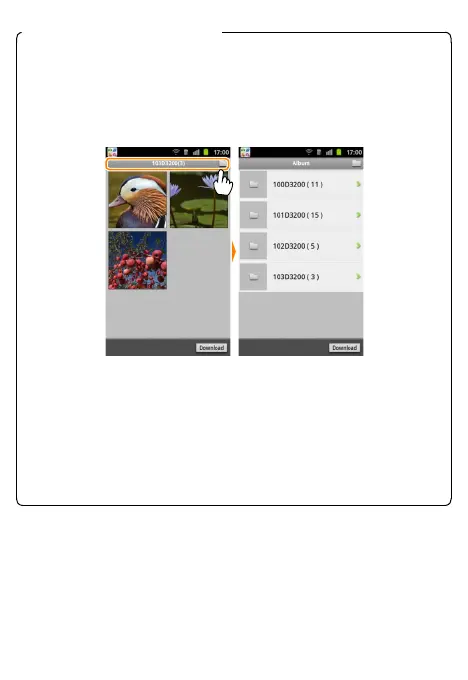
A Choosing a Folder on the Camera
To display a list of the folders on the camera memory card, tap the
folder icon at the top of the display. Tap a folder to view its con-
tents, or touch and hold a folder to select all the images it contains
and then tap Download to download the images to the smart
device.
D Dropped Connections
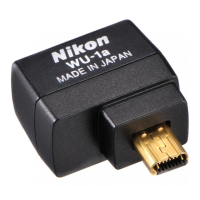
If the connection between the wireless mobile adapter and the
smart device is lost while a picture is being downloaded, the pic-
ture will not be saved to the smart device (connection loss may
occur if, for example, the camera turns o during download). Any
pictures downloaded before the connection was interrupted are
una ected.


 To Next Page