4
D
Lens noise
•
Noise from the lens during zoom may be audible in video footage. If you
notice lens noise when you use buttons assigned with the power zoom
role, setting Custom Setting g5 [Power zoom (PZ) button options] >
[Power zoom speed] > [During recording] to slower zoom speeds is
recommended.
]]
New option for the setup menu: “Save
zoom position (PZ lenses)”
A [Save zoom position (PZ lenses)] option has been added to
the setup menu. If [On] is selected, the camera will save the
zoom position in effect when the camera is turned off and
restore it when the camera is turned on.
•
This option applies only with power zoom lenses.
•
The zoom position is reset if the lens is replaced by one with a
different product name.
]]
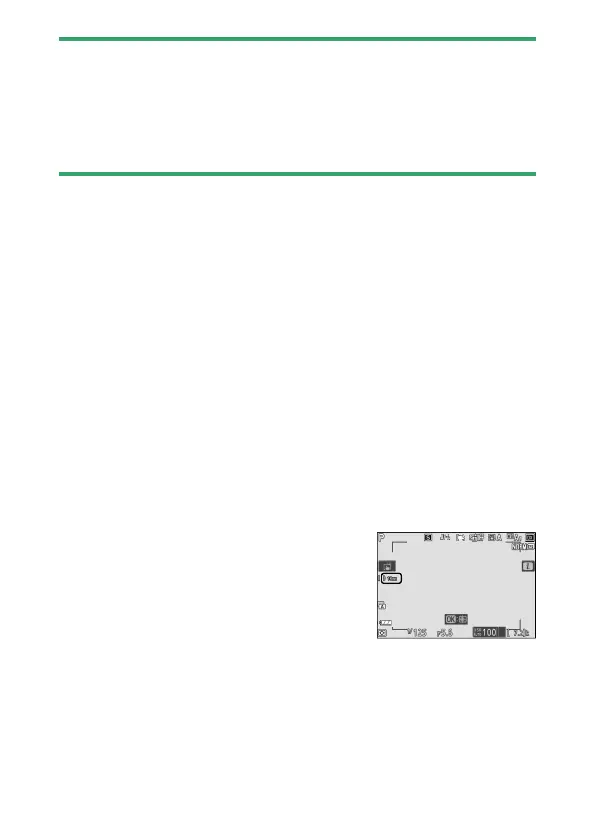
New indicator for focal length in the
shooting display
A focal length indicator has been added
to the shooting display. Displayed only
with power zoom lenses.



 To Next Page