16
Taking Photographs (
b
Auto)
4
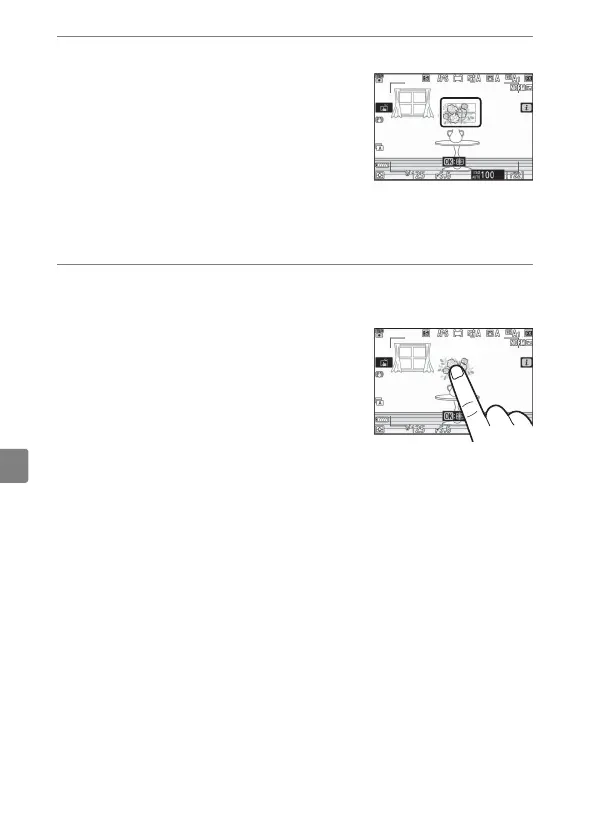
Press the shutter-release button halfway to focus.
•
The focus point will be displayed in
green when the camera focuses. If
the camera is unable to focus, the
AF-area brackets will flash.
•
The AF-assist illuminator may light
to assist the focus operation if the
subject is poorly lit.
•
You can also focus by pressing the AF-ON button.
5
Smoothly press the shutter-release button the rest
of the way down to take the photograph.
•
You can also take a photograph by
touching the monitor. Touch your
subject to focus and lift your finger
to release the shutter.



 To Next Page