15
Taking Photographs (
b
Auto)
Basic Photography and
Playback
Select
b
(auto) mode for simple “point-and-shoot”
photography.
D
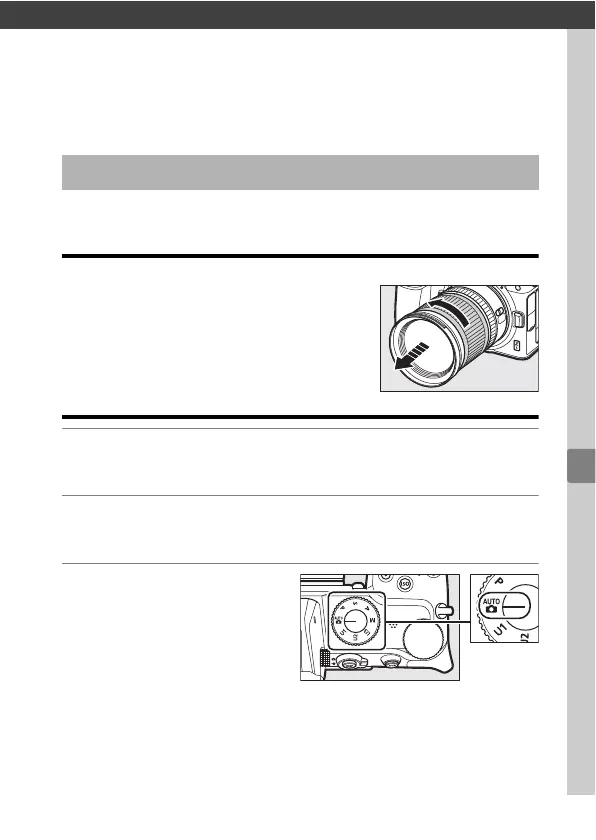
Lenses with Retractable Barrels
Lenses with retractable barrels must be
extended before use. Rotate the lens zoom ring
as shown until the lens clicks into the extended
position.
1
Turn the camera on.
The monitor turns on.
2
Select photo mode by rotating the photo/movie
selector to
C
.
3
Rotate the mode dial
to
b
.
Taking Photographs (
b
Auto)



 To Next Page