iii
When Your First Photo Can’t Wait
❚❚
Take (
0
18) and View (
0
28) Pictures
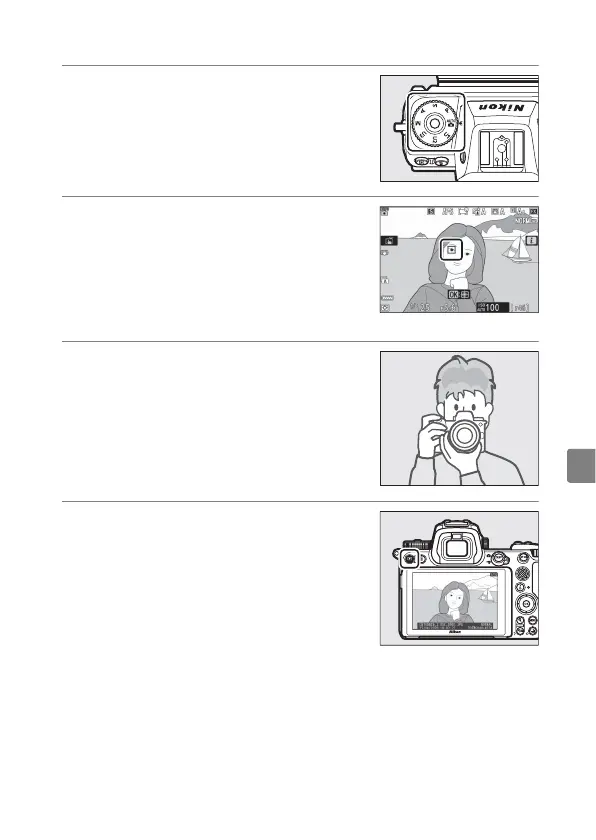
1
Rotate the mode dial to
b
.
2
To focus, press the shutter-
release button halfway (i.e,
lightly press the shutter-
release button, stopping when
it is pressed halfway).
3
Without lifting your finger
from the shutter-release
button, press the button the
rest of the way down to take
the picture.
4
View the picture.



 To Next Page
 Loading...









