15
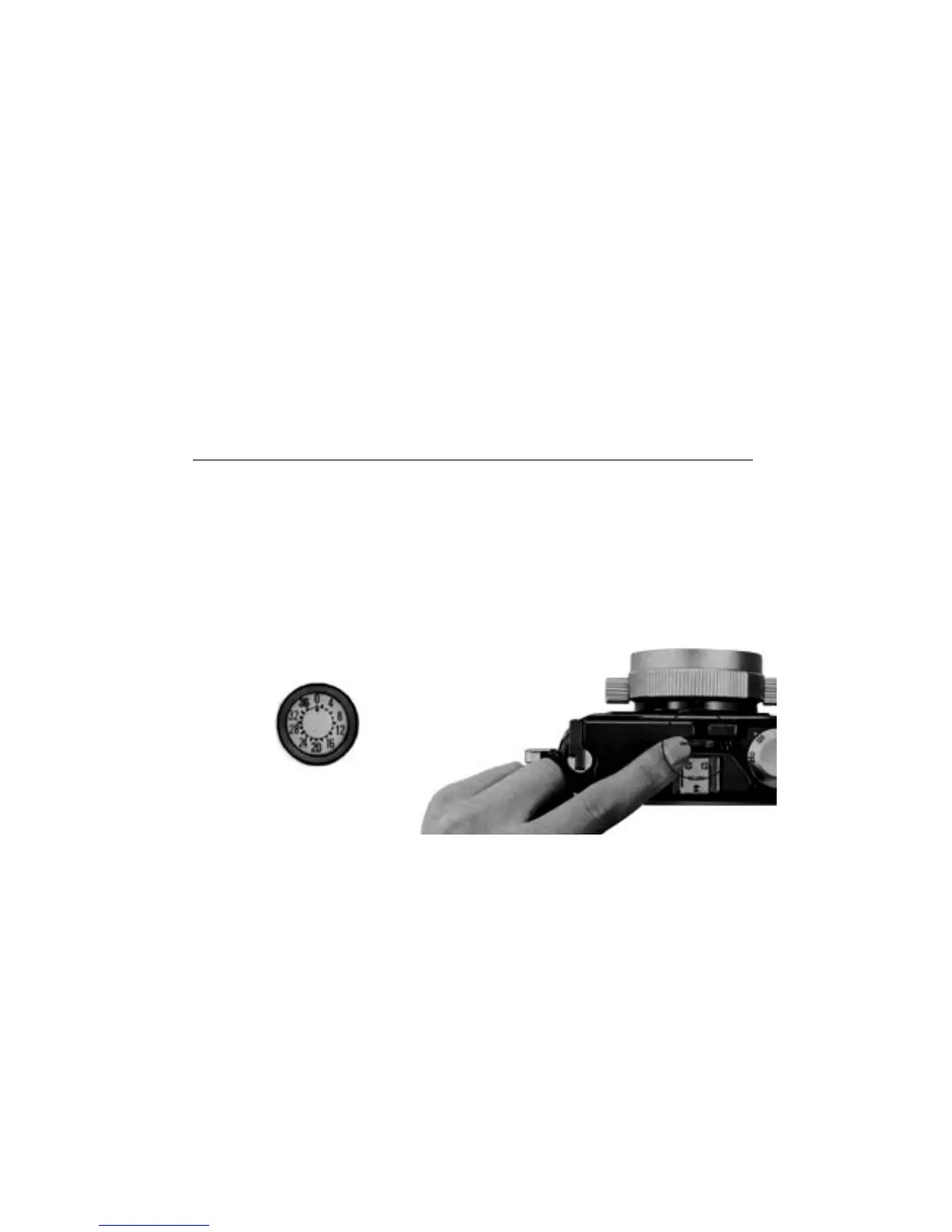
Frame Counter
The frame counter located on the bottom of the camera shows how many frames have
been exposed. A black dot advances half a mark for each frame up to 36 exposures.
The counter stops just past the 36 mark and resets itself to zero when the camera is
opened.
Safety Lock
Between pictures, push down the safety lock on top of the camera to guard against
accidental exposures. The safety lock should also be pressed down whenever the
camera is stored in the leather case to prevent the filmadvance lever from swinging out.



 To Next Page