8
LOADING THE CAMERA
Opening the Camera
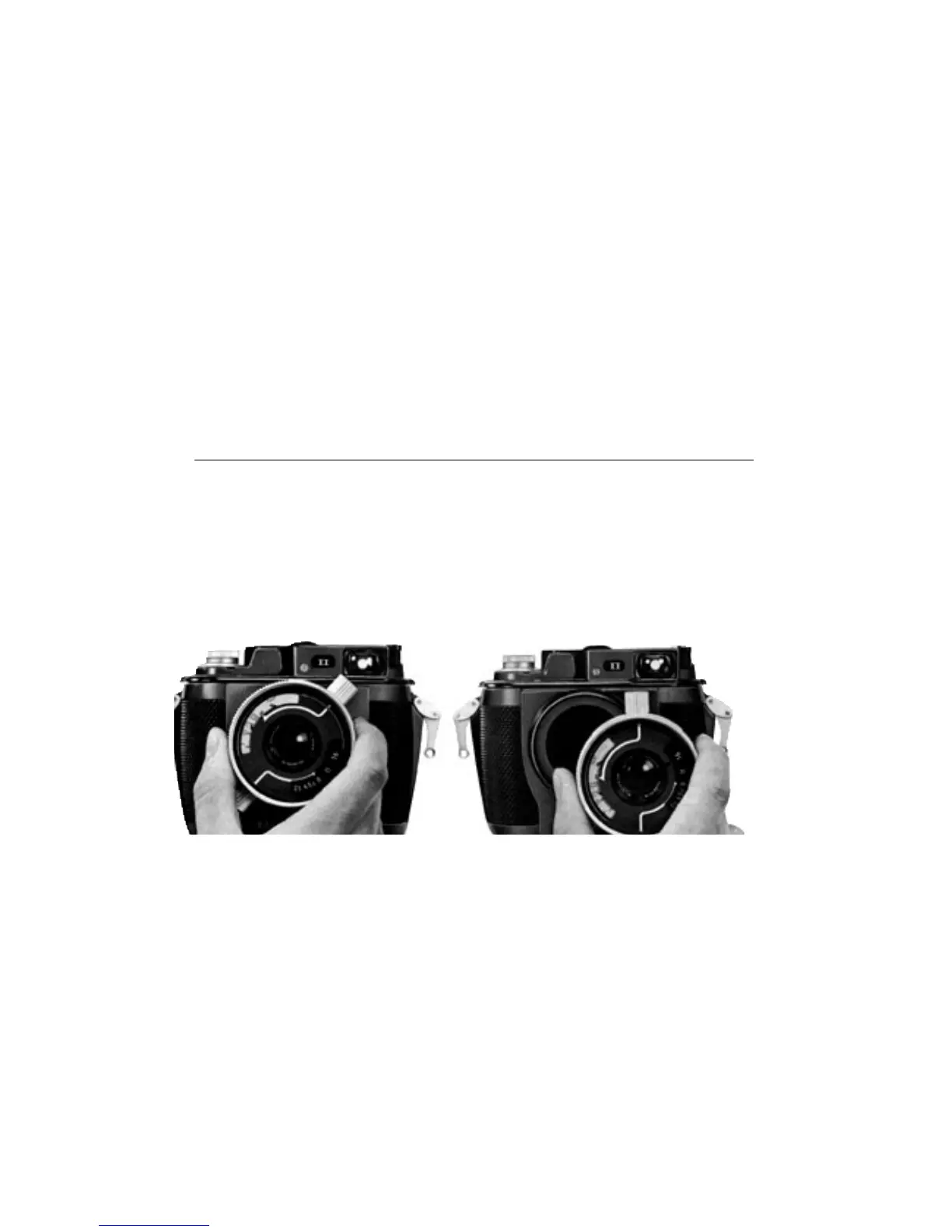
The lens in its bayonet mount locks the entire camera together, so it must be
removed first in order to open the camera. Grasp the lens mount and pull the
lens forward slightly until the positioning pins on the lens mount slide out of
the grooves on the bayonet mount. Then rotate the lens in either direction until
the focusing knob or aperture knob points straight up. Pull once more and the
lens will slip free of the bayonet mount. Now you can open the camera by
prying up the interior body with the strap-attachment levers on both sides of
the outer housing. The interior body will come loose and can be lifted out.



 To Next Page