20
EXPOSURE CONTROL
Setting the Shutter Speed
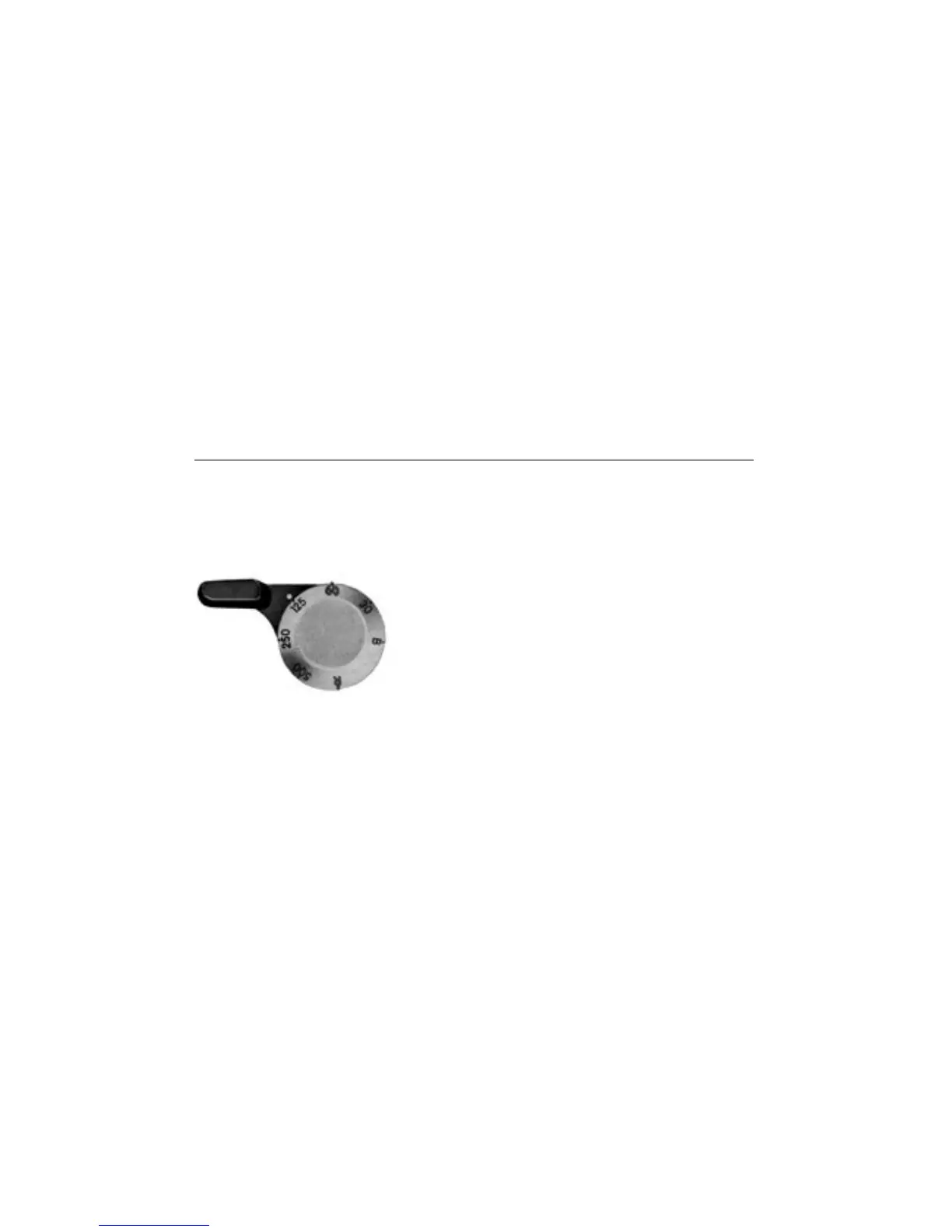
The f1gures on the shutter-speed dial stand for fractions of a
second. For example, 125 represents 1/125 second. Turn the
shutter speed dial until the desired speed appears opposite the
white indicator dot on the film advance lever. You can change
shutter speeds either before or after the shutter is wound.
Click-stopped settings for speeds from 1/30 to 1/500 second plus
ÒBÓ are engraved on the dial. At the ÒBÓ setting the shutter will
remain open as long as the f1lmadvance lever is squeezed all
the way back. The number Ò60Ó is colored red as a reminder that
1/60 second is the highest speed at which electronic flash will
synchronize. The ÒRÓ setting is used when rewinding the film.
Intermediate settings between the marked shutter speeds are not
recommended.



 To Next Page