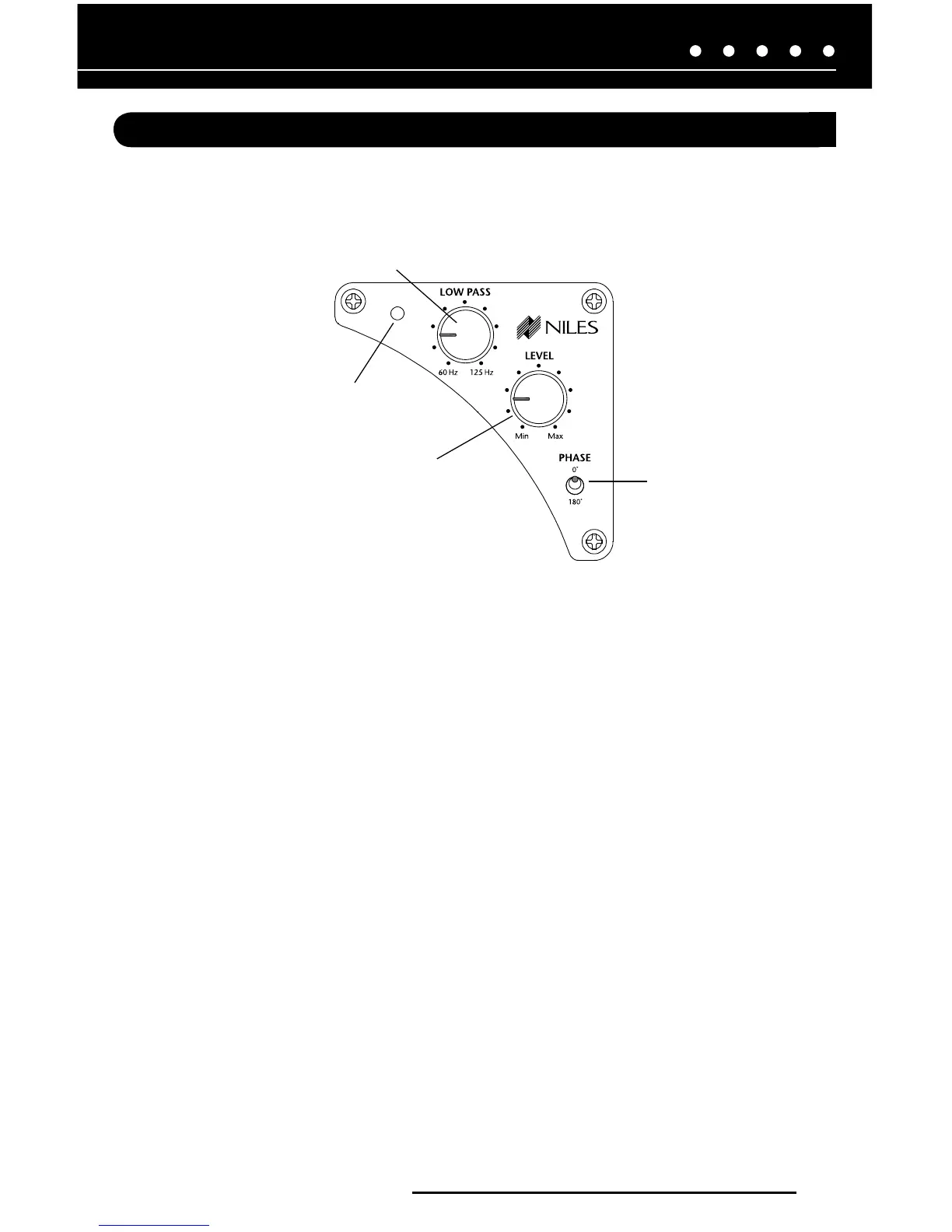
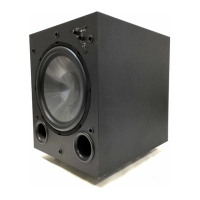
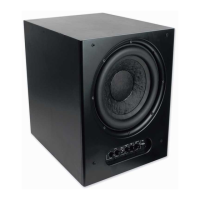
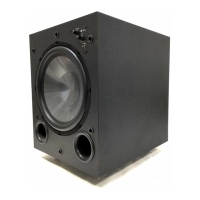
Figure 1. The SW10 and SW12’s front panel contains the subwoofer’s operation controls.
NILES AUDIO CORPORATION – 1-800-BUY-HIFI
7
CONTROLS AND CONNECTORS
OPERATION CONTROLS
The SW10 and SW12’s operation controls are located on the unit’s front panel, as shown in
Figure 1. They function as follows:
1. LOW PASS Frequency Control: Use this control to set the subwoofer’s upper frequency
level that the subwoofer will reproduce. It can be between 60 to 125 Hz. Also see
SETTING UP THE SW10 and SW12 on page 14.
2. LEVEL Control: Use this control to adjust the subwoofer output level as desired.
3. PHASE Control: Use this control to set the subwoofer’s phase response for either 0 or
180°. Also see SETTING UP THE SW10 and SW12 on page 14.
4. MODE indicator shows current status of the SW10
and SW12: Green is ON; Red is STANDBY.
1
2
3
4


 To Next Page