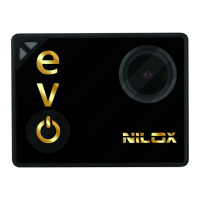
EVO 360 SETTINGS
The EVO 360 video camera settings can be changed to meet your
requirements.
For a more detailed explanation of the different functions, read the
user's manual that is available on-line.
To open the settings menu, simply hold down (about 3 seconds) the
key on the side of the cam. The photo and video settings menu
will appear. Touch the key again to open and navigate the
menu.
Confirm choice by pressing the shutter key .
Switch between the video/photo menu and parameter settings
menu using key ; if the cam is in video mode, video parameters
appear, if in photo mode, photo parameters appear.
STARTING STEPS
Before using your EVO 360:
• make sure that the battery is full. If the battery level is low,
recharge it with the USB cable;
• format the Micro SD memory card.
Now you can proceed with all other parameters settings of your
EVO 360 according to your needs.



 To Next Page