USING THE VIDEO CAMERA
Make a video or take a photo
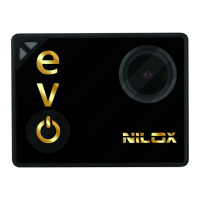
Turn on EVO 360 ; when on, the cam will be ready to record
video ( symbol at top left); repeated press this key to display
the following symbols:
ready to record videos in "car" mode.
ready for use in photo mode.
APP
EVO 360 can be used with the associated APP.
The APP lets you fully exploit cam functions and view videos in
"Full-view 360 degrees" mode.
Download the free APP from Play Store or Google Store.
OUTPUT DEVICES
The EVO 360 photo camera has:
• USB data output: using the USB connector you can: power
the EVO 360 video camera; connect the EVO 360 video
camera to a computer to access internal memory and Micro
SD card data in read-only mode.
• HDMi output: lets you connect the cam to a TV or monitor
with HDMi input and view photos and videos directly from
the cam on the TV.



 To Next Page