14
Possible choices are:
• No, Yes
NOTE: RESET RESTORES THE CAM MENU TO ENGLISH.
VERSION
Displays the cam firmware version.
Go to:
Version
Press key to confirm.
Select with and confirm with .
VIEWING PHOTOS AND VIDEOS AND DELETE
Press key: symbols will appear.
The upper symbol will allow to view the recorded videos, the lower symbol the pictures.
Select the picture or the video and press key to view it, or long press key to delete it.
CONNECTIVITY
COMPUTER CONNECTION
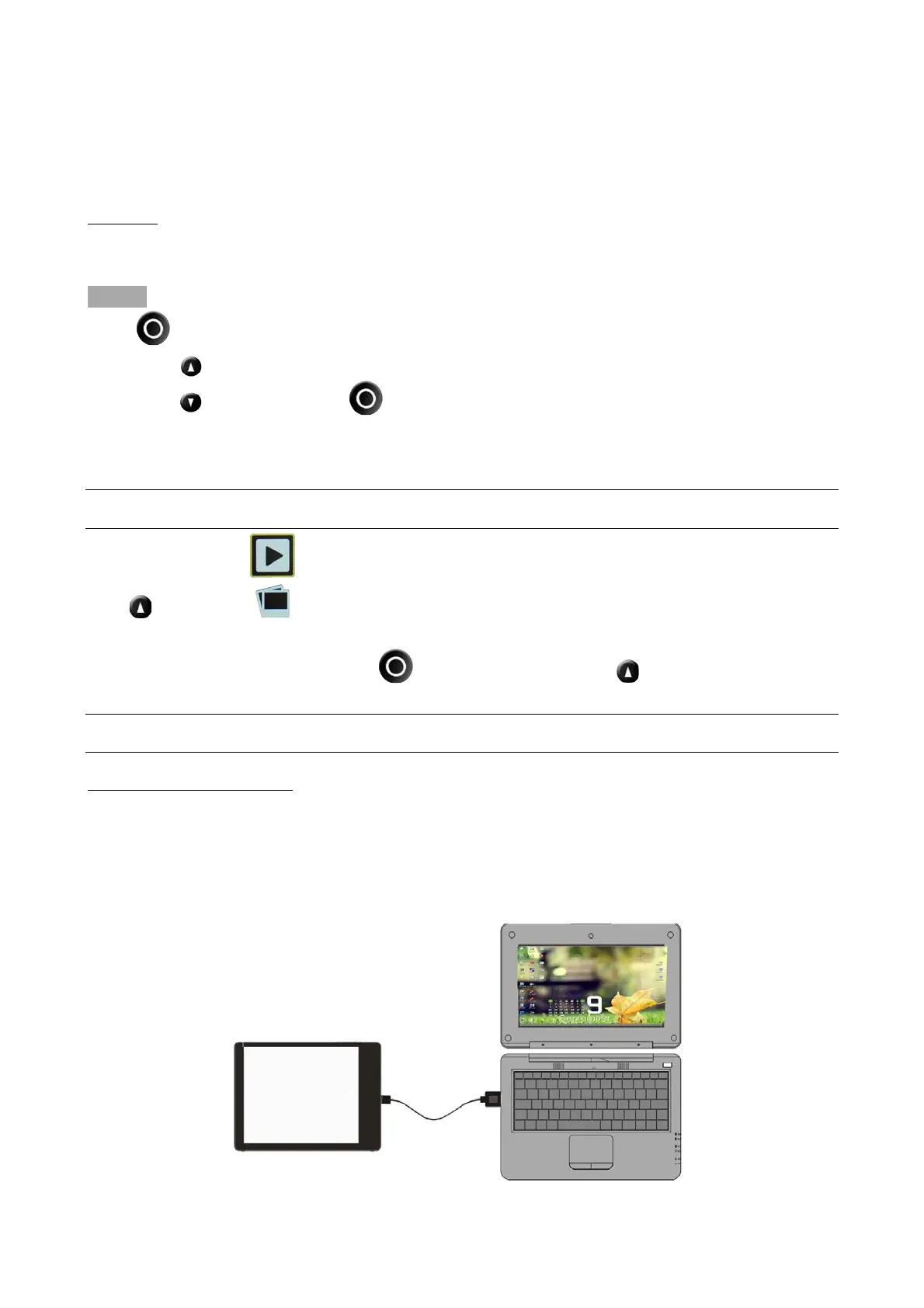
The F-60 RELOADED + camera has 1 USB micro port.
Use this port to connect the camera to a computer to charge or download photos and videos from
the memory card.



 To Next Page