8
METHOD OF USE AND SYMBOLS
The camera has 4 operating modes:
• Video recording mode
• Car-carrying or dash-cam mode
• Photo mode
• Video and photo view mode.
Press the key to switch between the various modes.
The camera is set to video mode by default when turned on.
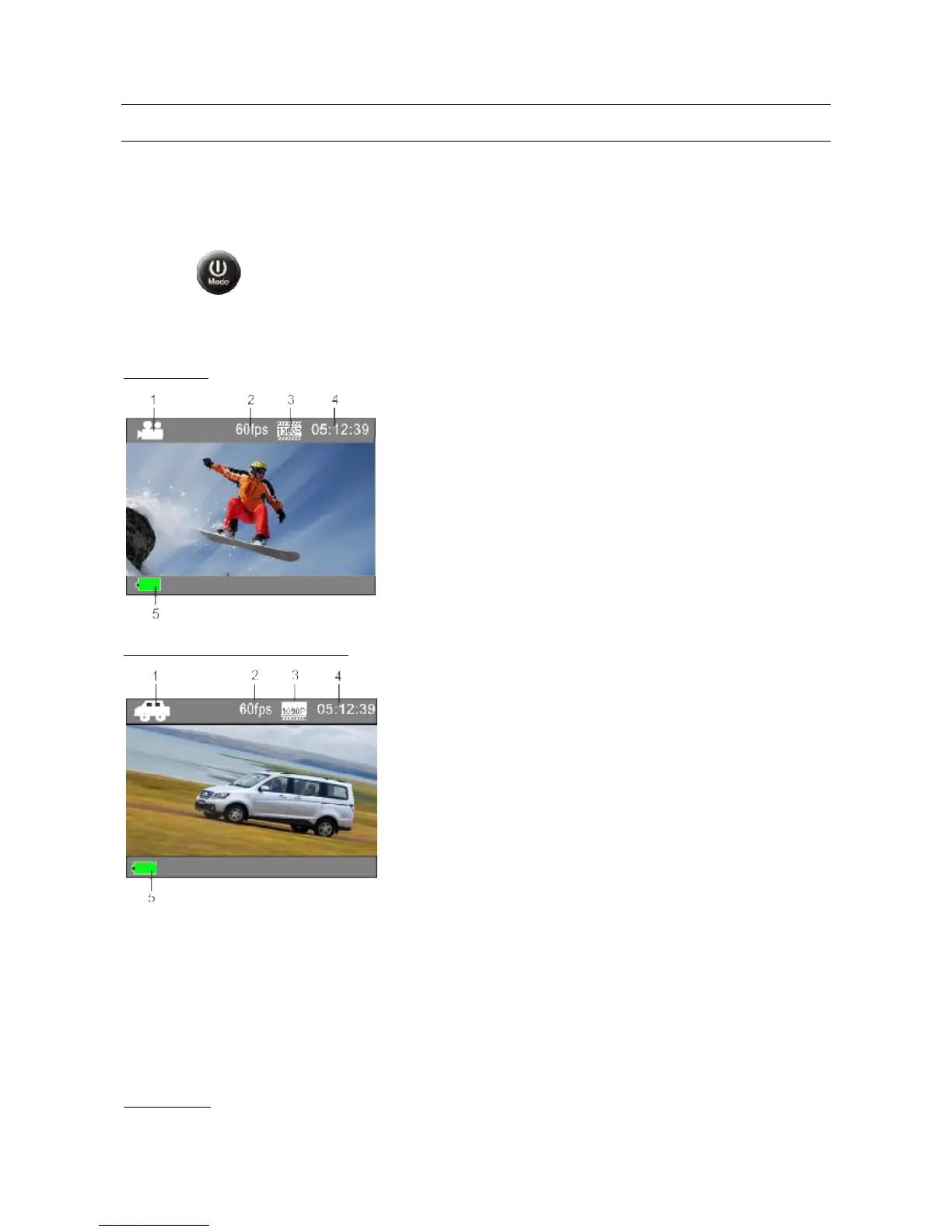
Following are some of the symbols that most commonly appear on the screen.
VIDEO MODE
2. Frames per second
3. Video resolution
4. Recording time
5. Battery charge level
In this mode, every recorded file will last 3 minutes. When the memory card is full, the first
recording will be deleted followed cyclically by the least recent videos.
Set car-carrying mode and turn the cam off; when you restart it, with the car battery charger
connected, the cam will automatically start and begin recording.
Note:
If the cam in car-carrying mode is mounted upside down at the top of a car
windscreen, the icons for that mode will be rotated by 180°.
PHOTO MODE



 To Next Page