5 6
ninjacoffeebar.com1-877-646-5288
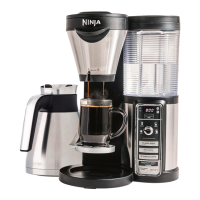
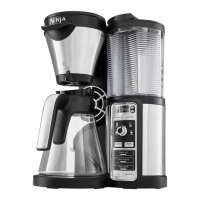
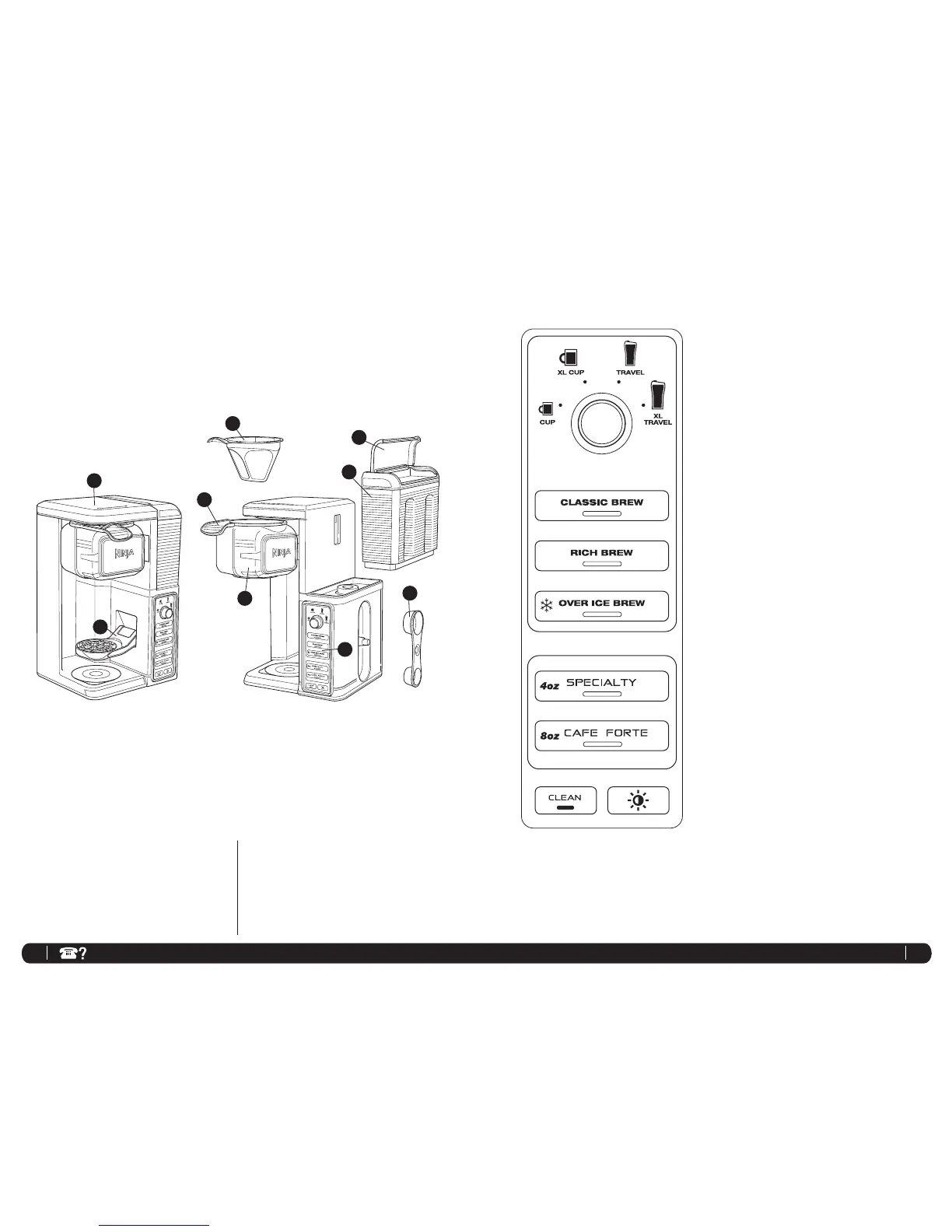
Getting To Know Your Ninja
Coffee Bar
®
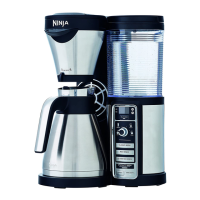
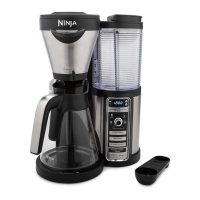
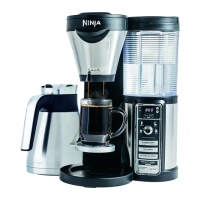
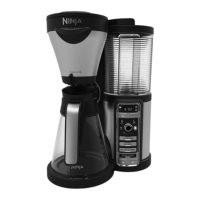
a Flip Top Water Reservoir Lid
b Removable Water Reservoir
c Brewer
d Control Panel
e Permanent Filter
f Swinging Brew Basket
g Removable Filter Carrier
h Multi-Serve Cup Platform
i Double Sided Scoop: Big Scoop and Small Scoop
j Power Cord & Wrap (not shown)
Control Panel
1 Multi-Serve Dial
a Cup
b XL Cup
c Travel Mug
d XL Travel Mug
2 Signature Brew Types
a Classic Brew Button
b Rich Brew Button
c Over Ice Brew Button
3 One-Touch Brew Types
a Specialty Brew Button
b Cafe Forte Brew Button
4 Intelligent Clean Cycle Indicator/Button
5 Power Save Button
1b 1c
1a
2a
2b
3a
2c
3b
4
1d
5
LEFT SIDE VIEW
RIGHT SIDE VIEW
a
b
c
d
e
g
f
h
i


 To Next Page
 Loading...