COOKING FUNCTIONS
Slow Cook
1 Turn the dial to select SLOW COOK.
2 Use the +/- TEMP arrows to select HI or LO.
3 Use the TIME arrows to adjust cook time in
15-minute increments between 3 and 12 hours.
4 Press START/STOP to begin cooking.
5 When cook time reaches zero, the unit will
beep, automatically switch to KEEP WARM,
and begin counting up.
Sear/Saute
1 Turn the dial to select SEAR/SAUTE.
2 Use the +/- TEMP arrows to choose HI or LO.
3 Press START/STOP to begin cooking.
4 Press START/STOP to turn o the SEAR/
SAUTE function.
4
ninjakitchen.com
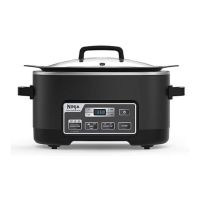
GETTING TO KNOW THE NINJA® FOODI®
POSSIBLECOOKER
TM
PRO
COOKING FUNCTIONS
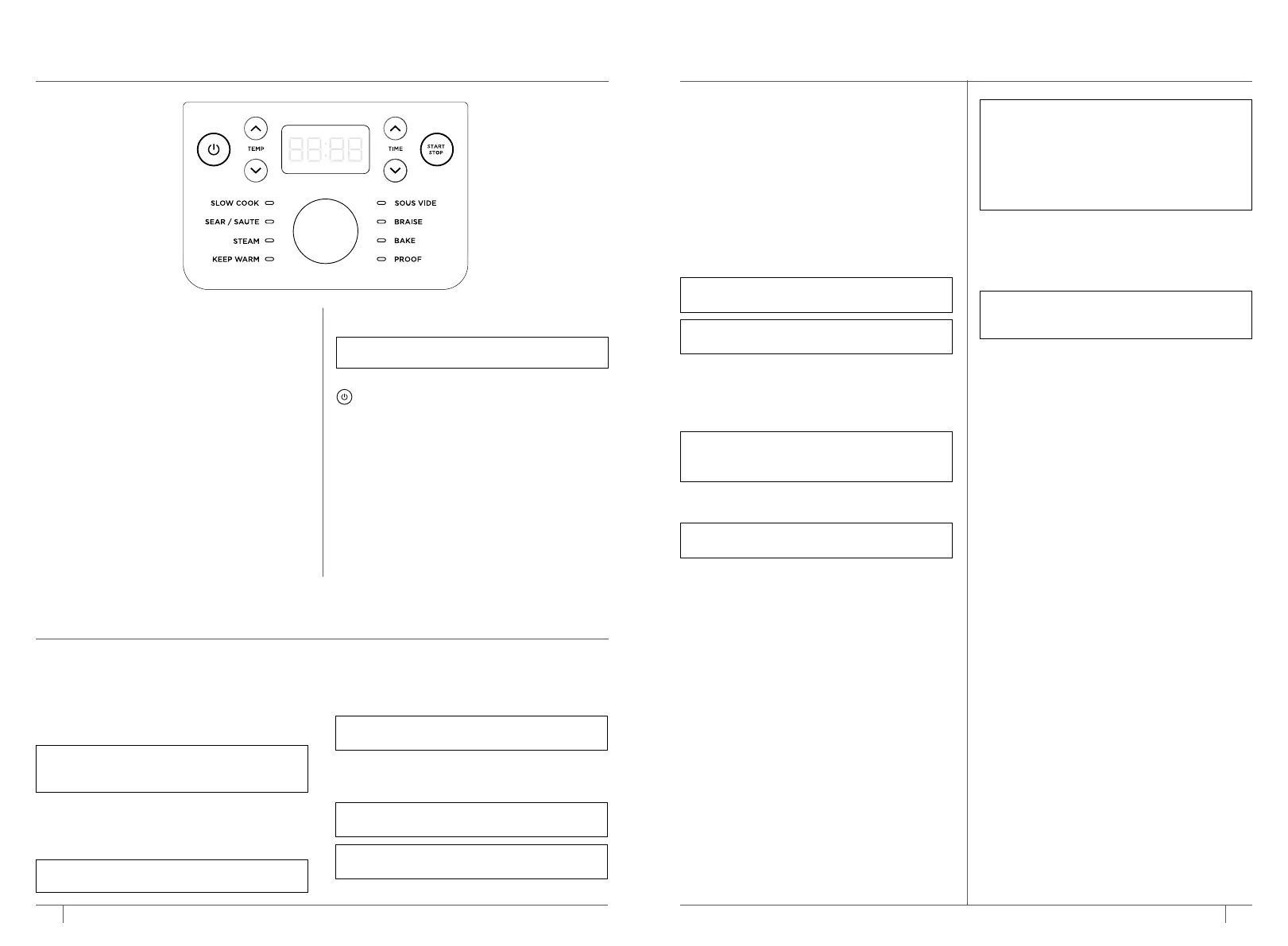
SLOW COOK: Cook food at a lower temperature
for a longer period of time.
SEAR/SAUTE: Use the unit as a cooktop for
browning meats, sauteing veggies, simmering
sauces, and more.
STEAM: Gently cook delicate foods at a high
temperature.
KEEP WARM: Reheat or keep cooked food
warm for longer periods of time.
SOUS VIDE: French for “under vacuum,” this
function slow cooks food sealed in a plastic bag
in an accurately regulated water bath.
BRAISE: Transform tougher cuts of meat by
first browning at high heat (with oil) and then
simmering in liquid at low heat.
BAKE: Use the unit like an oven for tender
meats, baked treats, and more.
Steam
1 Turn the dial to select STEAM.
2 Use the +/- TIME arrows to adjust cook time
in 1-minute increments.
3 Press START/STOP to begin cooking.
4 The display will show PrE, indicating the unit
is preheating to selected temperature.
5 When the unit reaches the appropriate steam
level, the display will show the set temperature
and the timer will begin counting down.
6 When cook time reaches zero, the unit will
beep and display END.
Keep Warm
1 Turn the dial to select KEEP WARM.
Temperature will default and the unit will
start counting up.
Sous Vide
1 Add 12 cups of room-temperature water to
the pot.
2 Place the lid on the pot, and turn the dial to
select SOUS VIDE. The default temperature
will display. Use the TEMP arrows to set
temperature in 5-degree increments between
120
°
F and 190
°
F.
3 The cook time will default to 3 hours. Use
the TIME arrows to adjust cook time in
15-minute increments up to 12 hours or 1-hour
increments from 12 to 24 hours.
4 Press START/STOP to begin cooking.
5 The display will flash between "PrE" and the
current temperature, indicating preheating is
in progress.
6 Once preheating has finished, ADD FOOD will
flash on the display. After 30 seconds, the unit
will start counting down from the preset cook
time.
Braise
1 Sear ingredients in the pot using the SEAR/
SAUTE instructions.
2 Once complete, deglaze with wine or stock.
3 Add remaining cooking liquid and
ingredients into the pot.
4 Turn the dial to select BRAISE. The default
temperature will display.
5 Use the +/- TIME arrows to set cook time in
15-minute increments.
6 Press START/STOP to begin cooking.
Bake
1 Place ingredients and any recommended
accessory into the pot.
2 Turn the dial to select BAKE. The default
temperature will display.
3 Use the +/- TEMP arrows to set temperature
between 250°F and 425°F.
4 Use the +/- TIME arrows to adjust cook time
in 1-minute increments up to 1 hour or
5-minute increments up to 6 hours.
5 Press START/STOP to begin cooking.
6 When cook time reaches zero, the unit will
beep, and display END for 5 minutes. If food
requires more time, use +/- TIME arrows to
add time.
Proof
1 Place dough in the pot and place the lid on the
pot.
2 Turn the dial to select PROOF. The default
temperature will display.
3 Use the +/- TEMP arrows to set temperature.
in 5-degree increments between 90
°
F and
105
°
F.
4 Use the +/- TIME arrows to adjust the proof
time in 5-minute increments.
5 Press START/STOP to begin cooking.
6 When cook time reaches zero, the unit will
beep, and END will flash 3 times on the display.
NOTE: SLOW COOK LO time may be adjusted
between 6 and 12 hours. SLOW COOK HI time
may be adjusted between 3 and 12 hours.
NOTE: The unit will automatically shut o after
12 hours on KEEP WARM.
NOTE: We recommended letting the unit heat
up for 5 minutes prior to adding ingredients.
NOTE: You can use this function with or
without the lid placed on the pot.
NOTE: To deglaze, pour 1 cup liquid into pot.
Scrape brown bits from bottom of pot and
mix into cooking liquid.
NOTE: DO NOT use metal utensils, as they will
scratch the nonstick coating on the pot.
USING THE NINJA® FOODI® POSSIBLECOOKER
TM
PRO – CONT
USING THE NINJA® FOODI® POSSIBLECOOKER
TM
PRO
PROOF: Create an environment for dough to
rest and rise.
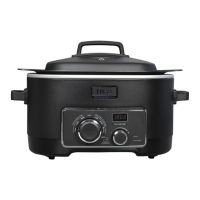
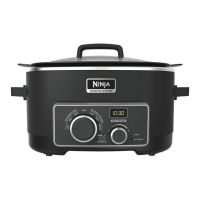
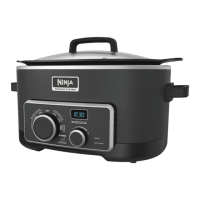
OPERATING BUTTONS
(POWER): The Power button shuts the unit
o and stops all cooking modes.
TEMP arrows: Use the up/down arrows to
the left of the display to adjust the cook
temperature.
TIME arrows Use the up/down arrows to the
right of the display to adjust the cook time.
START/STOP button: Press this button to begin
cooking. Pressing START/STOP during cooking
will stop the current function.
Function dial: Use the dial to select a cook
function.
5
ninjakitchen.com
NOTE: If no cooking function is chosen, the
unit will shut o after 10 minutes.
NOTE: Use one cup or more of liquid when
steaming.
NOTE: Use the +/- TIME arrows to adjust
keep-warm time in 1-minute increments up to
1 hour or 5-minute increments up to 6 hours.
NOTE: For best results, do not use the unit
prior to cooking and do not use warm water.
NOTE: The unit will automatically switch to
KEEP WARM at the end of cooking.
NOTE: It can take up to 10 minutes for the unit
to preheat. Prepare ingredients during this time.
Season and place each portion in a single-use
resealable plastic bag. For cook times 4+ hours
with a temperature above 160°F, double-bag
each potion of food or wrap in plastic wrap
before placing in the single-use resealable bag.
This will help protect the food.


 To Next Page
 Loading...