EasyManua.ls Logo

Ninja MC702 - User Manual

Ninja MC702
16 pages
Print Icon
To Next Page IconTo Next Page
Loading...
®
MC702
OWNER’S GUIDE
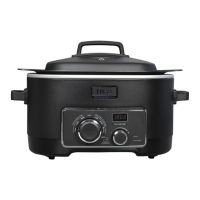
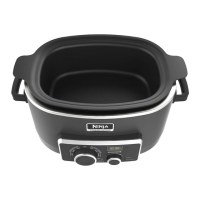
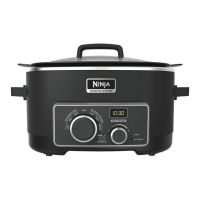
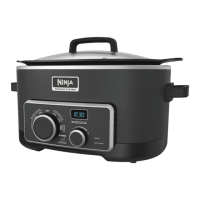
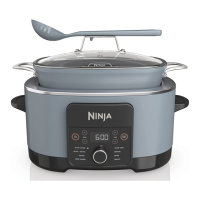
3-in-1 Cooking System
www.ninjakitchen.com
®
HELP
LINE
1 877 646-5288
MC702_15_IB_E_120627_2.indd 1 12-06-27 9:55 AM

Questions and Answers

  • D
    Derek EstradaAug 8, 2025
    What to do if 'Err' appears on the Ninja Kitchen Appliances display?
    • K
      Karen SanchezAug 8, 2025
      If 'Err' appears on the display of your Ninja Kitchen Appliance, it means that the power to the appliance was interrupted, or the function dial is not in the 'OFF' position while plugged in. To solve this, turn the function dial to 'OFF', then select your desired cooking mode. If the error persists due to a power failure, discard the food for safety. You can also call Customer Service at 1-877-646-5288.
  • C
    Cindy WilliamsAug 22, 2025
    What to do if 'E01' appears on the Ninja MC702 Kitchen Appliances display?
    • G
      gravesautumnAug 22, 2025
      If 'E01' is showing on the display, it means that you should insert the cooking pot into your Ninja Kitchen Appliance.

Summary

Important Safety Instructions

Polarized Plug Safety

Warning about the appliance's polarized plug and how to use it safely.

General Safety Precautions

Basic safety precautions for using electrical appliances, including immersion, hot surfaces, children, cord care, and surface use.

Usage Restrictions and Warnings

Warnings against outdoor use, misuse, obstructing vents, improper placement, unauthorized accessories, deep frying, and using without the pot.

Getting to Know Your Ninja 3-in-1 Cooking System

Understanding the Control Panel

Operating the Ninja Cooking System

Slow Cooker Mode

Steps for using the Low and High slow cook settings, including timer and Auto Warm function.

Helpful Hints and Tips

Troubleshooting Common Issues

Cleaning and Maintenance

Ninja MC702 Specifications

General IconGeneral
BrandNinja
ModelMC702
CategoryKitchen Appliances
LanguageEnglish

Related product manuals