Nintendo 64 User Manual
6
N64 Controller
The N64 controller looks and plays differently than most modern controllers, below is a general
description of the buttons on the controller. Their use may vary depending on the game
inserted into the console at the time.
Buttons
• A: Main button
• B: Secondary button
• C Buttons: Camera and/or second option buttons
• L: Left shoulder button
• R: Right shoulder button
• Z: Trigger button
• D-pad: Control pad
• Start: Pause or menu button
• Analogue Stick: Control
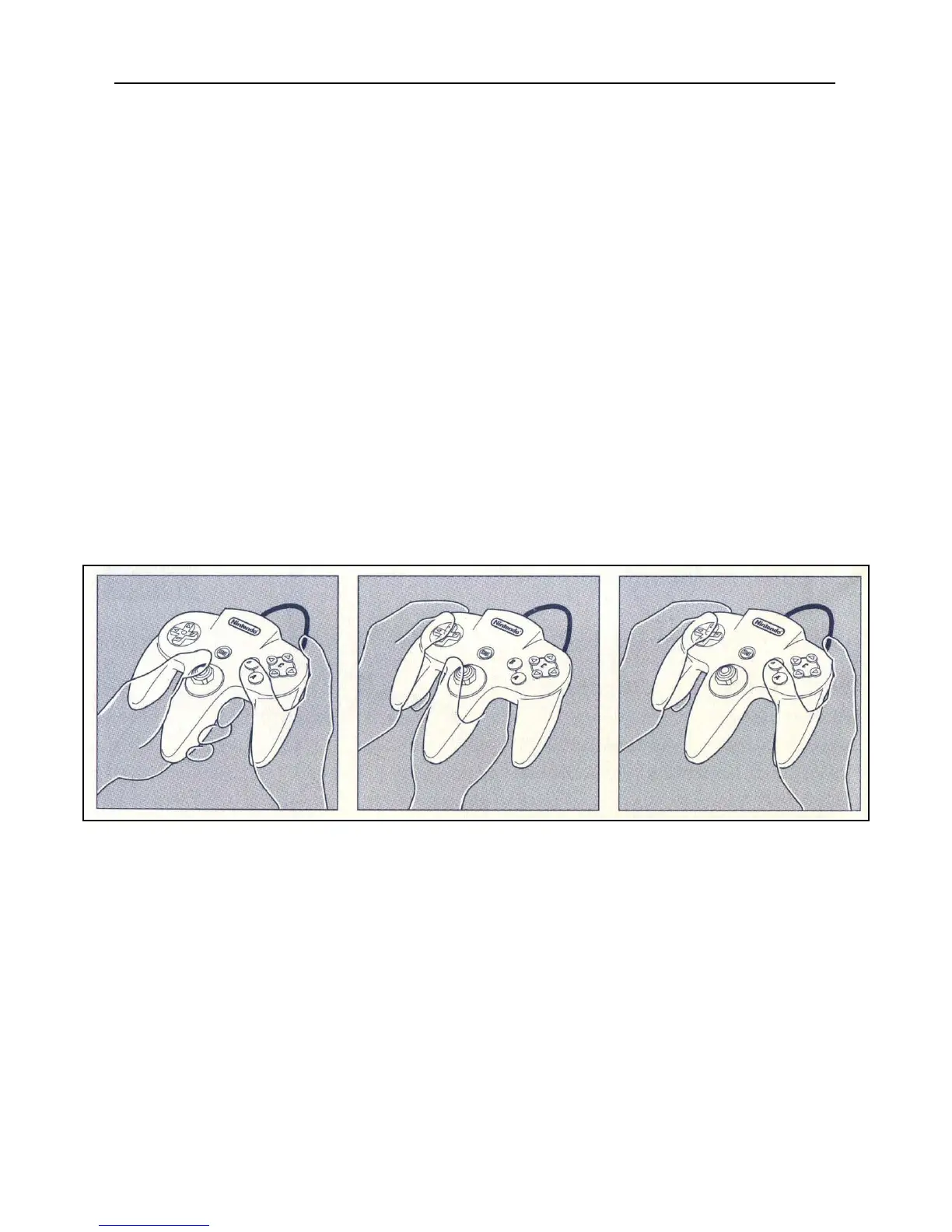
Due to the design of the N64 controller, it can be held in 3 different ways. These may vary
depending on play style and between games.












 To Next Page