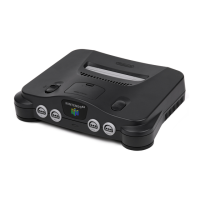
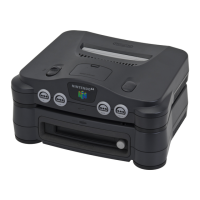
*The 64DD is equipped with a clock function. If the time displayed is incorrect, please follow “8. How
to set the date and time” to set the correct date and time.
[[page 20]]
5 Check the insertion direction of the disc, and then pressing down on the center of the disc, push it
into the disc slot until it clicks.
Usage request
Unless the disc is pushed in until it clicks, it will not operate normally.
<For games that use two or more discs>
•Insert the discs following the instruction manual of each game.
•When changing discs, please press the eject button firmly all the way in. An error message may be
displayed if the button is not pushed in all the way.
6 The preparations are complete.
For further instructions on how to operate, please refer to the instruction manual of each game.
*If the machine does not operate as normal, please refer to “6. Before requesting repairs” on page
24.
[[page 21]]
To play games that use cassettes and discs
1 Check that the Nintendo 64 power switch is turned off, and then insert the cassette into the
cassette slot.
2 Please turn the Nintendo 64 power switch on (POWER ON).
Usage request
When turning on the power switch, please do not touch the controller’s 3D stick.
3 Please check that the Nintendo 64 power light is flashing.
4 The preparations are complete.
For further instructions on how to operate, please refer to the instruction manual of each game.
*If the machine does not operate as normal, please refer to “6. Before requesting repairs” on page
24.


 To Next Page