[[page 18]]
5 OPERATING PROCEDURE
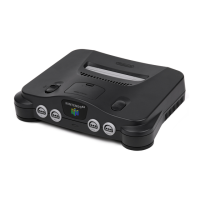
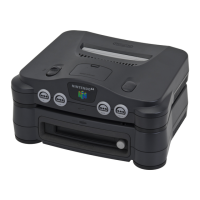
If you have correctly connected up the Nintendo 64 and the 64DD with the television, please operate
using the following procedure.
When starting a game
1 Turn on the television.
2 •If you are connected using the optional cable, please select video input on the “switch
television/video” screen.
[[image text]] Video
•If you are connected with the RF switch, please set the television channel to the same as the RF
modulator “switch channel” channel.
[[image text]] CH1 or CH2
3 Please check that the AC adapter plug is inserted all the way in to the electrical outlet, and the
controller 3PIN plug is inserted all the way in to the Nintendo 64.
From here on the operation procedure differs depending on the type of game.
To play disc-only games > pages 19-20
To play games that use cassettes and discs > page 21
To play cassette-only games > page 21
[[page 19]]
To play disc-only games
1 Please make sure that there is no cassette inserted in the Nintendo 64.
Usage request
If a cassette is inserted, a game disc cannot be used.
2 Please turn on Nintendo 64 power switch (POWER ON).
Usage request
When turning on the power switch, please do not touch the controller’s 3D stick.
3 Please check that the Nintendo 64 power light is flashing.
4 Please check that the following initial screen is displayed.


 To Next Page