Need Help?
877.716.8550
Starlight.org/gaming/support
15 funcenter@noa.nintendo.com
2.6 Nintendo Account
Caution: Nintendo strongly recommends that this password is strictly kept to the
staff at your facility and not provided to patients or their families. With this
password, someone can purchase games and change settings that will render this
unit unable to operate as intended. Contact support with any questions or
concerns.
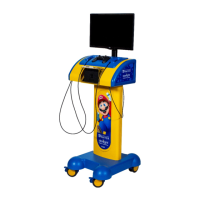
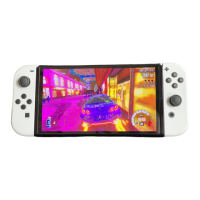
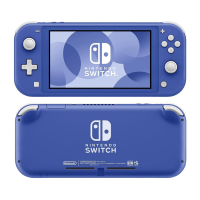
The Nintendo Switch console in your Gaming station is set up with a Nintendo Account. All
the games currently on your console are registered to this Nintendo account. The account is
protected by a password.
The password is being provided to you in the event that you want to access the Nintendo
eShop to purchase new games or download a video streaming app.
The Nintendo Account password for your Gaming station is: func3nt3r!9
2.7 Using a Video Streaming Service
Hulu is the only video streaming service available on the Nintendo Switch. To access, do the
following:
• Refer to section 2.5, Connecting to the Internet
• Refer to section 2.6, Nintendo Account
• After connecting to the Internet, download the Hulu app from the Nintendo eShop
1. Select Nintendo eShop from the Home Menu.
2. Enter the Nintendo Account password.
3. Search for “Hulu”.
4. Follow the on-screen prompts to download.
1. Launch the Hulu application.
2. Select Log In.
3. Select Log in on this device.
4. Enter the email address and
password for the account.
5. Then select Log In.
1. Launch the Hulu application.
2. Select Hulu in the upper
right corner.
3. Select Log out at the end of
the list.
4. Then select Log out of Hulu.
2.8 Managing and Updating Games
2.8.1 Adding a New Game
Adding new games to your Gaming station is easy. You can purchase them directly from
Nintendo eShop by adding funds to your Nintendo eShop account from a credit card or a
Nintendo eShop Card purchased from a retailer.










 To Next Page