Chapter 4 Nasal measurements with NIOX
®
Panel
12 002346-02 NIOX VERO
®
Nasal User Manual English
4 Nasal measurements with
NIOX
®
Panel
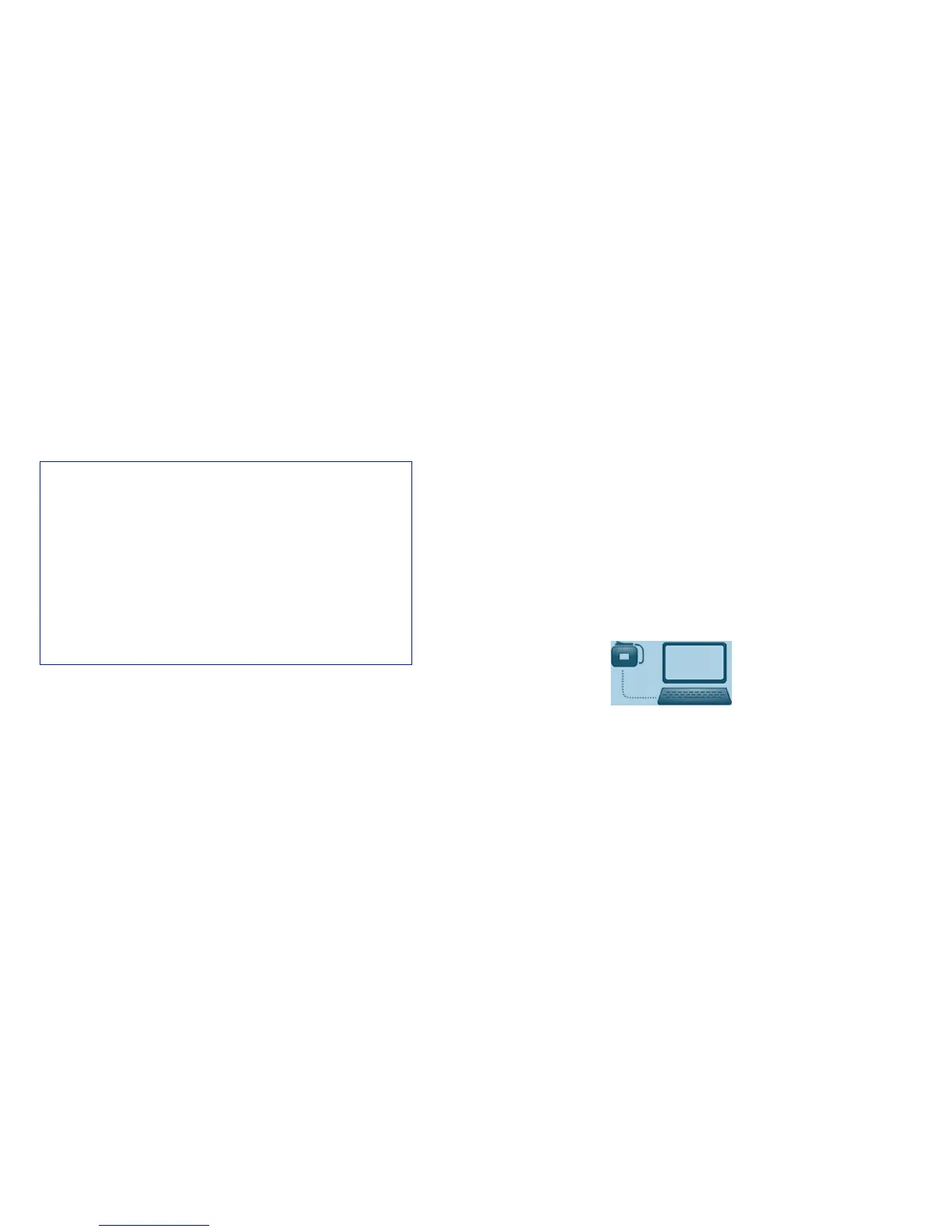
Using NIOX Panel provides the ability to see the nNO measurement graphi-
cally, produce the file and print the results.
4.1 Installation of NIOX
®
Panel
The NIOX
®
Panel software is supplied on a USB storage device.
1. Insert the USB storage device in the computer’s USB port.
2. Select the file named setup.exe.
3. If .NET Framework 4.5, VC++ 2013 or SQL Server Compact is not
installed, an installation wizard for each of the programs opens, one at
the time.
4. Select to accept license agreement for the programs.
5. Follow the instructions and wait for the programs to install.
6. The Installation wizard for NIOX
®
Panel Nasal opens.
7. Follow the instructions and install the program.
Note: Last step of installation “Removing backup files” takes a few
minutes.
8. When the installation is complete, click Close.
The application is now available on the start menu.
4.2 Setup
1. Turn on the PC and monitor.
2. Turn on the instrument.
3. Select the Start or the Windows button normally found in the left lower
hand corner of the monitor.
4. Select NIOX
®
Panel from the program list.
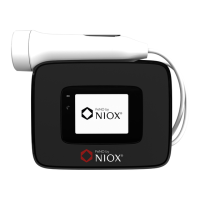
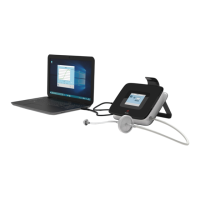
5. Plug the USB cable into the USB port on the NIOX VERO
®
and connect
it to the USB port on the PC or connect by Bluetooth. This icon is shown
on the display to indicate that a connection is established and
NIOX VERO
®
is running remote controlled.
NIOX
®
Panel System requirements
• Windows
®
7, Windows
®
8 (RT versions excluded) or
Windows
®
10
• .NET Framework 4.5
• 1 GHz or faster processor
• 256 MB RAM (512 MB RAM recommended)
• 250 MB of video graphics RAM
• 250 MB of available hard-disc space
• 1024x768 screen resolution
• Generic Microsoft Bluetooth driver
*
*
Needed for Bluetooth communication


 To Next Page