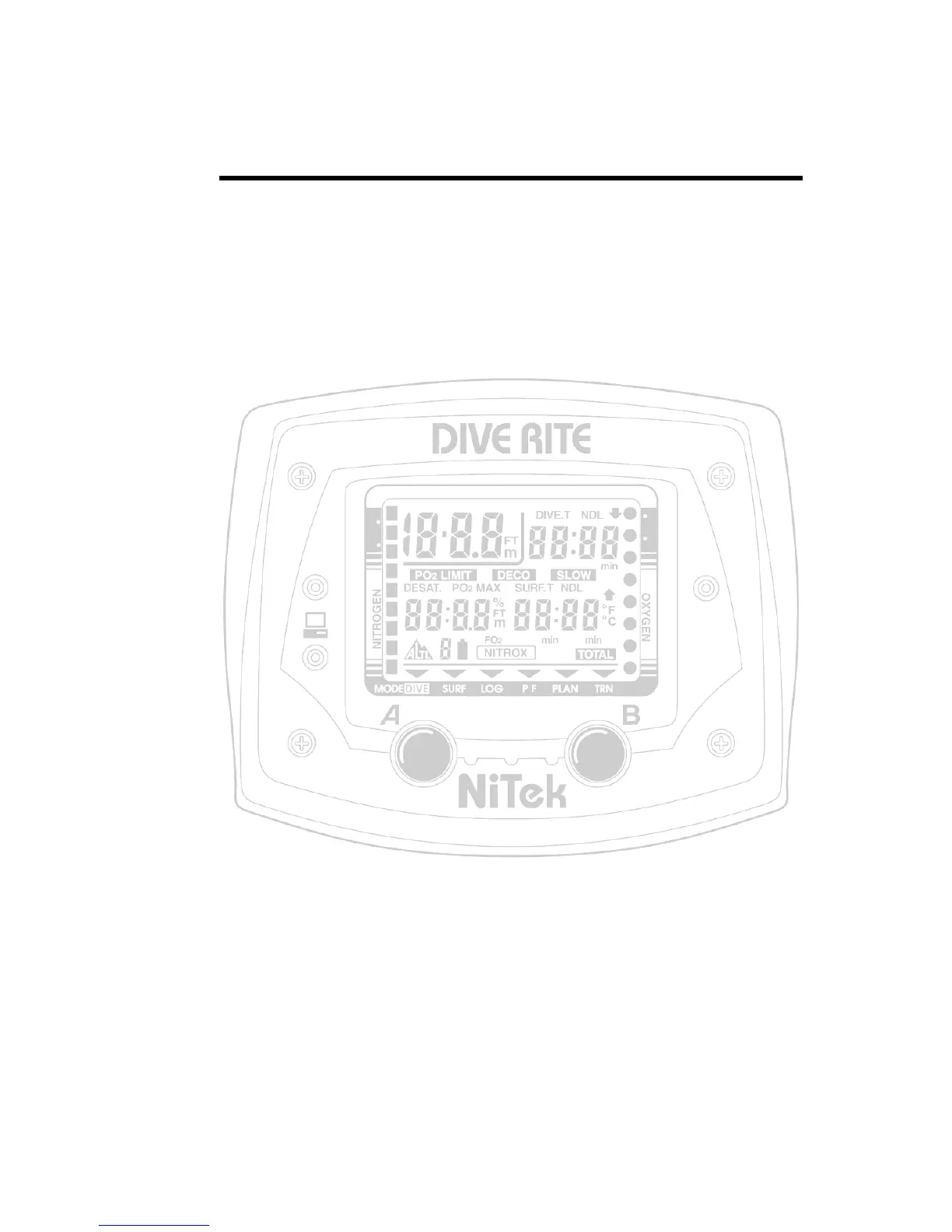
NiTek Dive Computer User Manual 9
Chapter 2
Using the NiTek
Summary
This chapter provides topics about using, setting, and
understanding each of the modes and options of the NiTek.
Content
Getting started • 10
Accessing display modes and screens • 11
Button operation • 11
Surface mode • 12
Entering surface mode from another
mode • 12
Setting the time and date • 13
Setting the computer for metric or Imperial
operation • 13
Dive plan mode • 14
Setting the FO2 gas mix percentage • 15
Understanding FO2 default • 17
Dive mode • 19
Primary underwater screen • 19
Secondary underwater screen • 20
Warnings while in diving mode • 21
Surface mode (upon surfacing from a dive) • 27
Log mode • 29
Profile mode • 31
PC transfer mode • 32
Before transferring the dive log • 32
Altitude operation • 34
NiTek mode flow chart • 36


 To Next Page