Using the NiTek
32 NiTek Dive Computer User Manual
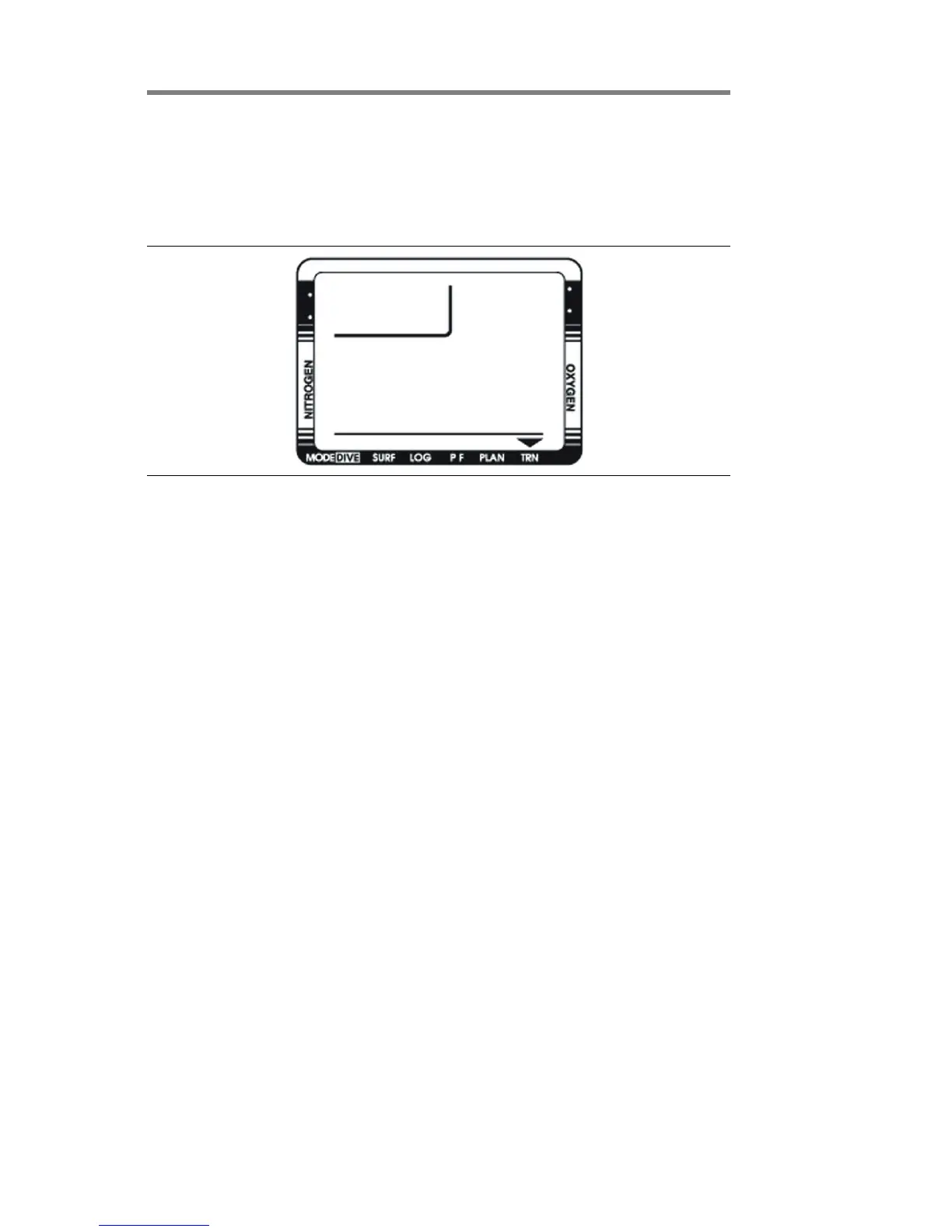
PC transfer mode
You can transfer the stored dive log information to your personal
computer using the optional NiTekLogic software and a PC
interface.
Before transferring the dive log
You must complete the following before transferring the dive
log.
• Install the NiTekLogic software onto your PC. Open the
program > click Options > and check the Uploader tab.
Make sure the COM port selection in the NiTekLogic
software matches the COM port you are connecting to on
your PC.
• Plug one end of the cable supplied with the interface into a
COM port on your PC. Plug the other end into the interface
module.
• Set the NiTek to PC transfer mode as described below.
• Place the NiTek on the interface module and secure the strap
over the computer. Click the computer icon in NiTekLogic.
A dialog box should appear indicating the beginning of data
transfer. If it is not uploading, check your COM port
settings.
Notes
• If the dialog box says “negotiating” and cuts off before
saying “transfer,” there is probably a COM port setting issue.
Check to see that you are using the correct COM port.


 To Next Page