Using the NiTek
16 NiTek Dive Computer User Manual
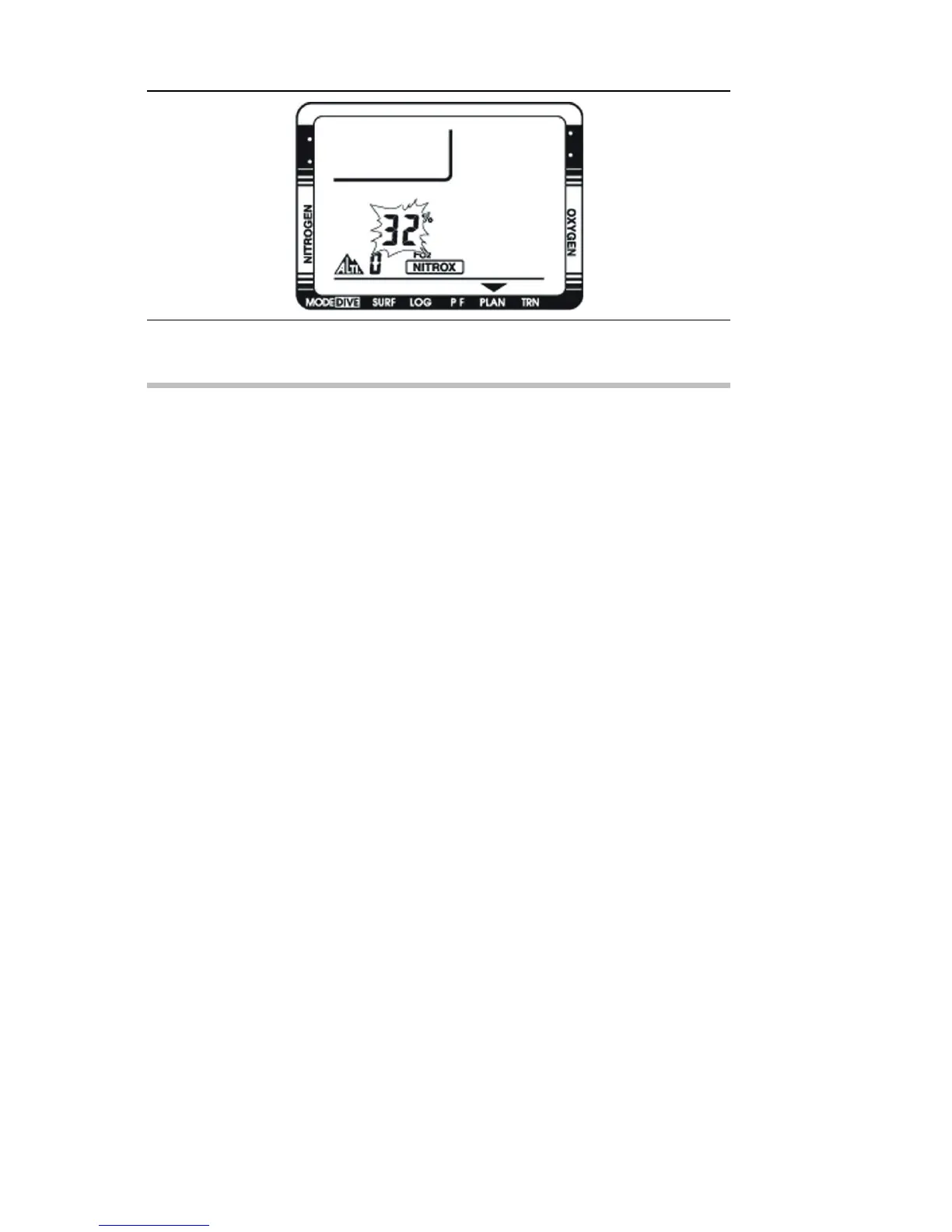
To set the FO2 gas percentage:
1. Press buttons A and B simultaneously for six seconds.
The FO2 gas percentage flashes.
2. Press and release button B to increase the percentage.
Press and hold button B to increase the percentages rapidly.
3. When finished, press button A to return to dive plan mode.
4. To return to surface mode, press button A for three seconds.
Note: If a Nitrox mixture is set, the NITROX symbol is
displayed at the bottom of the screen.


 To Next Page