40
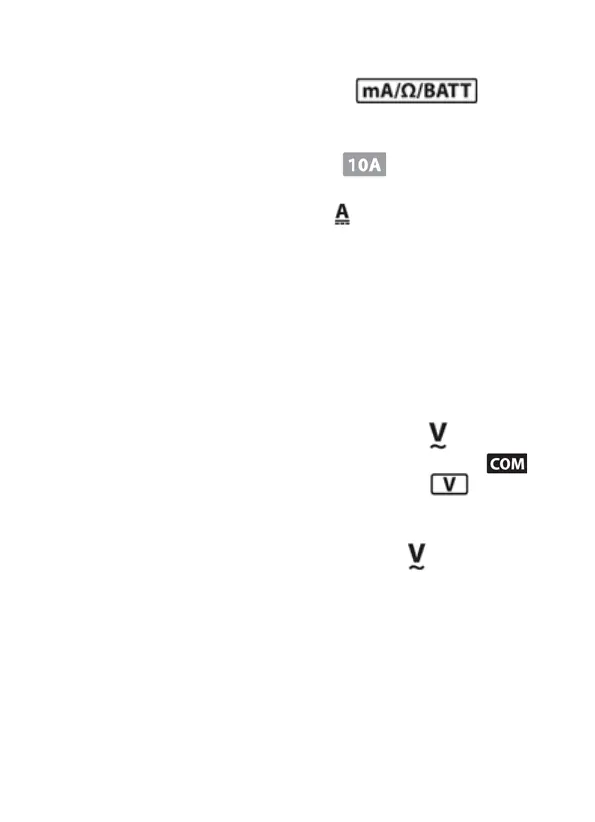
2. If the measured current is lower than 200 mA,
connect the red probe to the input
socket (6).
3. If the measured current is higher than 200 mA,
connect the red probe to the socket (7).
4. Use the measurement dial (2) to select the correct
range of DC measurement ( ). If you do not know
the measurement range, rst select the highest
possible range, then switch to lower ones.
5. Connect the measuring ps to the measured part in
series.
6. Aer the mulmeter performs a measurement, the
result is shown on the display (a negave result will
be indicated by a minus sign before the displayed
value).
7.6 Alternang voltage (AC) measurement ( )
1. Connect the black measuring probe to the
socket (5), connect the red one to the socket
(4).
2. Use the measurement dial (2) to select the correct
range of AC voltage measurement ( ). If you do
not know the measurement range, rst select the
highest possible range, then switch to lower ones.
3. Connect the measuring ps to the measured part -
parallel.
4. The mulmeter will measure the value and show the
result on the display.


 To Next Page