23
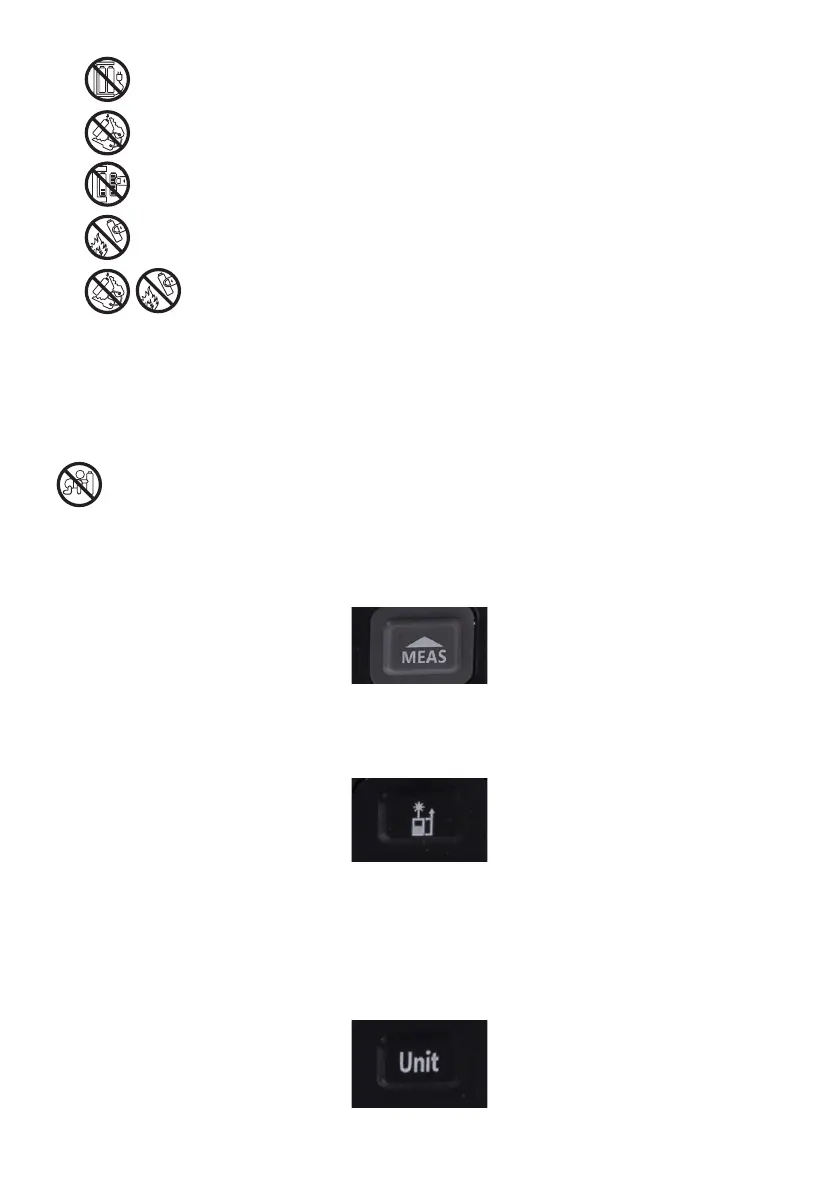
• Do not recharge batteries not designed for that purpose (non-rechargeable batteries).
• Do not short-circuit the battery terminals.
• Never mix the used batteries with new ones.
• Never expose batteries to direct heat sources, such as bright sunlight, heaters or re.
• Explosion hazard! Batteries must not be dismantled, put into re or short-circuited.
• When the device is not used, always remove the batteries. This will prevent damage to the device
in the event that electrolyte leaks from the batteries.
• Remove spent batteries from the device immediately.
• Spent batteries may leak, which may damage the device.
• If you touch acid from a battery, rinse your hands under running water. If any acid gets into your eyes,
contact a doctor. The acid contained in the battery may cause irritation or burns.
Swallowing a battery may have fatal consequences! Keep batteries away from children and pets.
Seek medical assistance immediately if a battery is swallowed
8.3 Functions description of the buttons
1. MEAS measurement button
• Pressing and holding activates the laser rangender
• Pressing after selecting the measurement mode results in the measurement being taken
2. Measurement mode selection button
• A single press allows you to select the measuring mode
• A single press and hold, allows you to choose between a measurement before or after the device
3. UNIT memory button
• A single press allows you to enter the device memory, where the last 20 records are stored. In the case
when the number of saved measurements exceeds 20, subsequent measurements will replace
the oldest ones that are in the memory.
• Single press and hold: allows you to choose between available units such as meters, inches, inches
in fractional form and feet.


 To Next Page