24
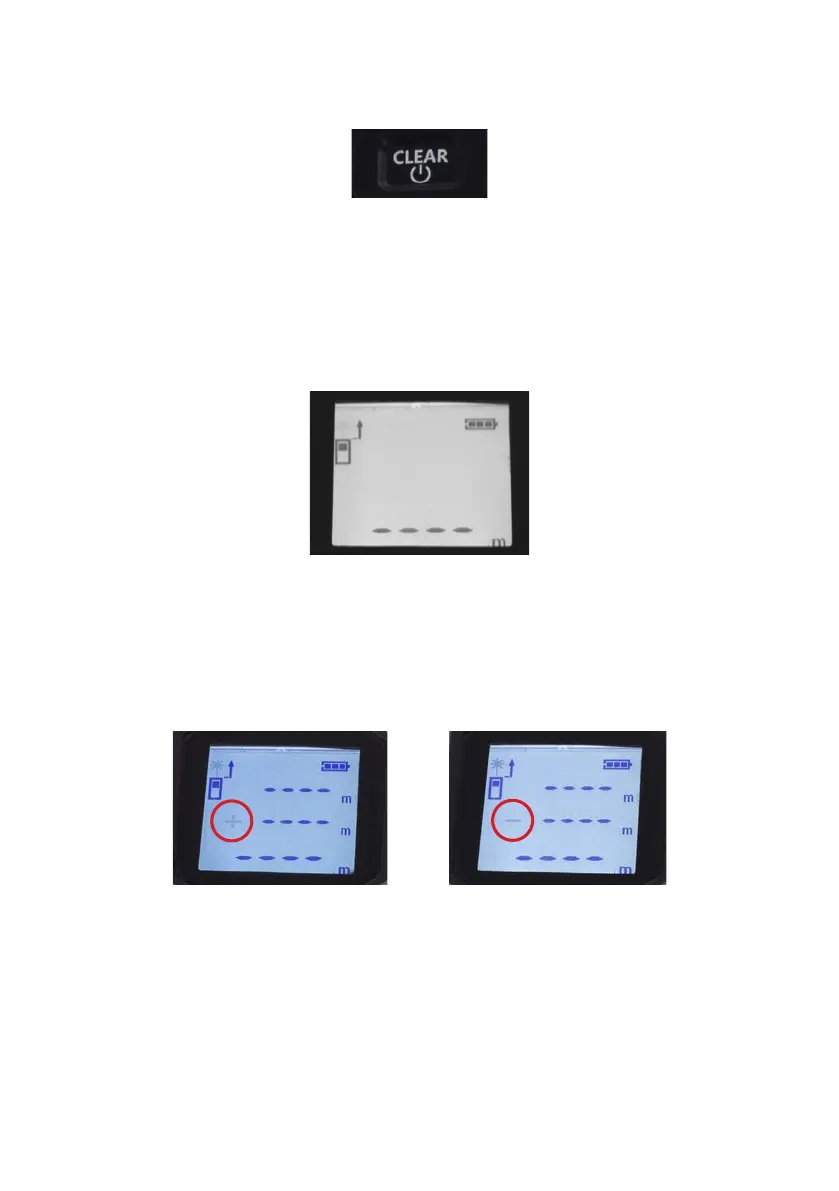
4. CLEAR reset button
• A single press resets the current measurement
• A single press and hold, switches the device off
8.4 Selection of measurement modes
Measuring mode - In addition to the standard application, which is measuring with a measuring
tape, the 3 in 1 laser rangender has the measuring mode:
1. Measurement of length, height, distance and slope depending on the place of measurement.
In order to perform function:
a) Turn on the rangender, the desired measuring mode will appear automatically.
b) Press the MEAS measurement button and device power on switch (1) twice and rangender will take
the measurement.
2. Option of adding or subtracting measured sections, as required.
In order to perform function:
a) Start the laser rangender
b) Press the measurement mode selection button (2) once for the adding mode
c) Press the measurement mode selection button (2) twice times for the subtraction mode
d) By pressing the MEAS measurement button and device power on switch (1) twice, the measurement will
be carried out
Adding mode Subtraction mode
3. By measuring the length and width, device is able to calculate the area (m
2
) of the measured structure.
In order to perform function:
a) Start the range nder
b) Press the measuring mode selection button (2) three times for area calculation mode
c) Pressing the MEAS measurement button and device power on switch (1) will take the measurement


 To Next Page