26
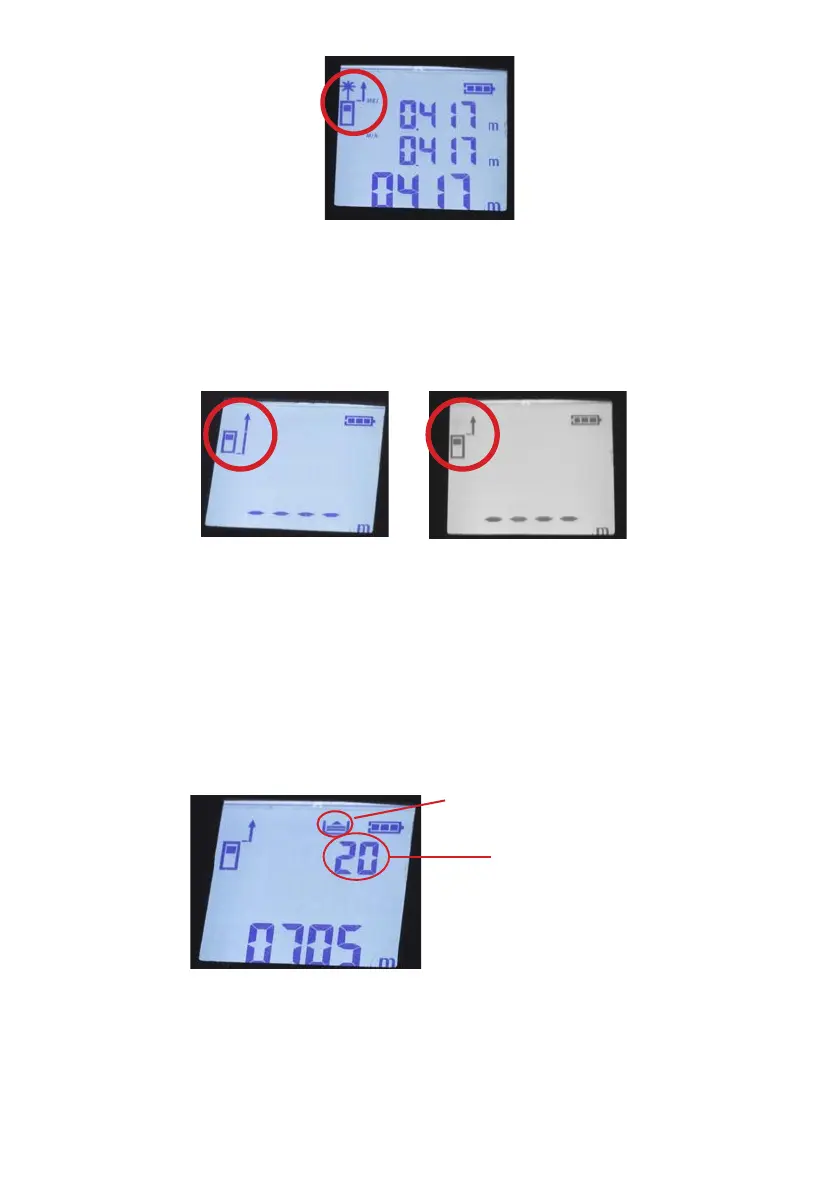
7. The device allows selection of the starting point of the measurement. Depending on your needs, you can
set the measurement before or with the device.
In order to perform function:
a) Start the laser rangender
b) Press and hold the measurement mode selection button (2) for about 3s
c) Choose the function that suits you best
d) Press the MEAS measurement button and device power on switch (1) twice to make a measurement
Pomiar za urządzeniem Pomiar przed urządzeniem
8. Setting the standard cross laser pointer and point pointer.
In order to perform function:
a) Start the laser rangender
b) Without changing mode, press the MEAS measurement button and device power on switch (1)
and the spot laser will start
c) Pressing and holding the MEAS measurement button and device power on switch (1) again will activate
the cross-laser mode
8.5 Accessing Memory
• To enter the memory, press the UNIT memory button (3).
Memory function indicator
Measurement No.
• Pressing the UNIT memory button (3) again will display the next measurements
• Holding down the UNIT memory button (3) for approx. 5s will clear all measurements.
8.6 Measuring tape
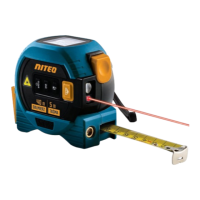
• • In addition to performing measurements using a laser, the rangender has a traditional measuring
tape. The tape, when pulled out to the specied length, is blocked and will not roll up until the tape
release device (6) is pressed (marked in the illustration).


 To Next Page