12 13
Introduction to key functions
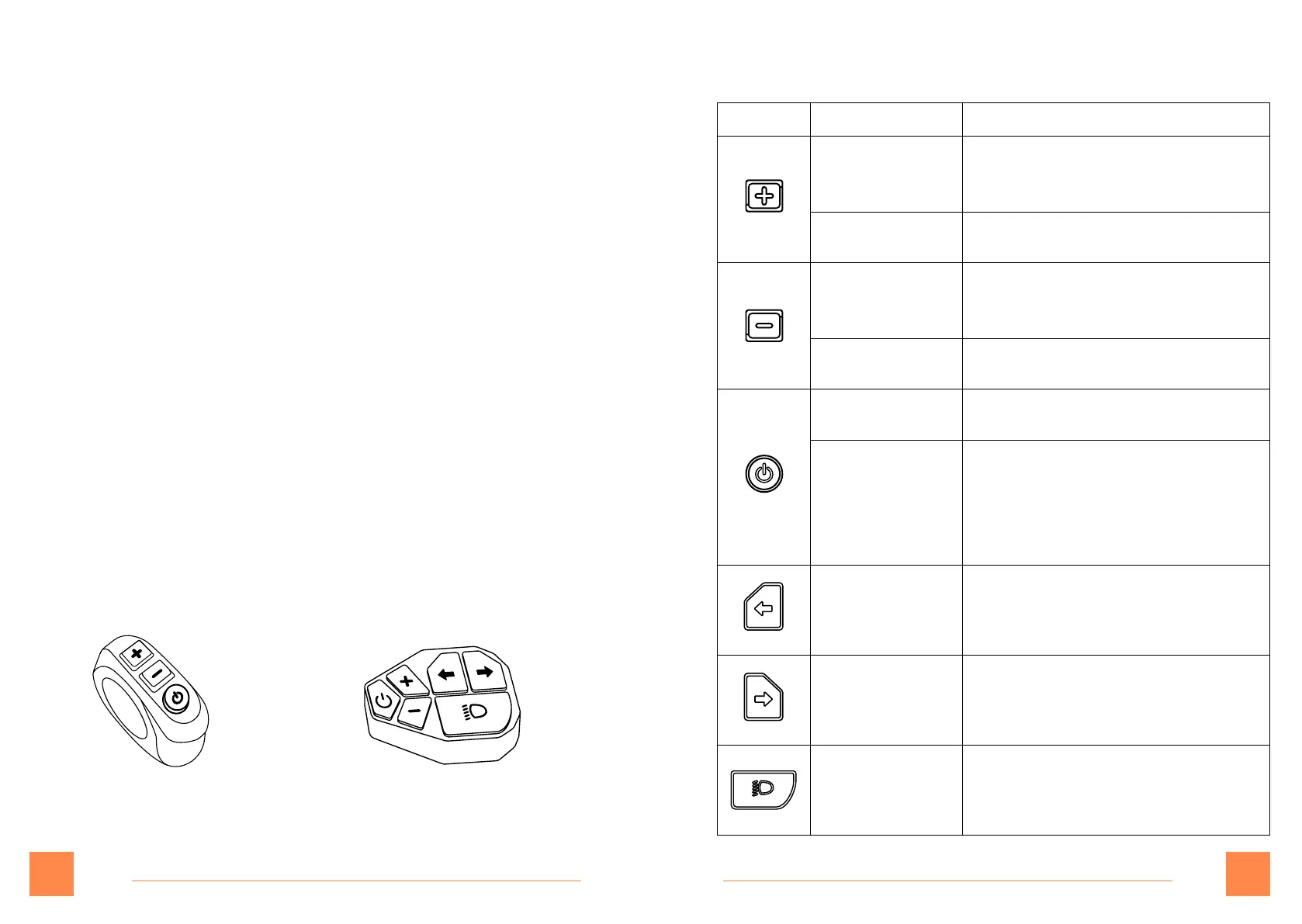
Button Operation Function
Pressandhold
for3seconds
1. Turnon/offdualdrive
mode.(Onlyworksforelectric
scooterswithtwomotors.)
Shortpress 1. Inthemaininterface,increase
the gear.
Pressandhold
for3seconds
1. Inthemaininterface,startthe
pushfunction(needtobein1-3
gears,cancelwhenbraking).
Shortpress 1. Inthemaininterface,reduce
the gear.
Pressandhold
for3seconds
1. Turnon/offthedisplay.
Shortpress 1. Inthemaininterface,turn
on/offtheheadlamp.
2. Enterthefunctionmenu
interfacetoswitchfunction
options.
Shortpress 1. Turntheleftturnsignal
on/off.
Shortpress 1. Turntherightturnsignal
on/off.
Shortpress 1. Turnon/offthelights.
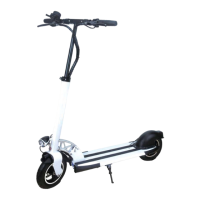
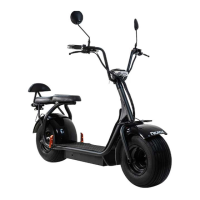
JoyorS5/S10-S JoyorS-PRO
Home screen description
Battery display:
Frombottomtotop,thebatterylevelincreases
sequentially,thelowermostdisplaygridrepresentslow
battery,andtheuppermostdisplaygridrepresentshigh
battery.Theleftsidedisplaysthecorrespondingremaining
batterypercentage.
Multifunctional display area:
Displaytotalmileage,singlemileage,real-timevoltage
display,runningtimeprompt,faultpromptandswitch
handlevoltagevalue.
Single/dual drive riding:
Modeselection,thedefaultmodeissingledrive.S-driveis
onemotordriveandD-driveistwomotorsdrive
Starting mode of the scooter:
ECOisnon-zerostartupmodeandNORMALisZerostartup
mode.
Button panel



 To Next Page