3.
Operation of the machine 7
D
GB
FR
NL
PL
RU
Pressing
Turning
3. OPERATION OF THE MACHINE
3.1. Operation with the rotary dial
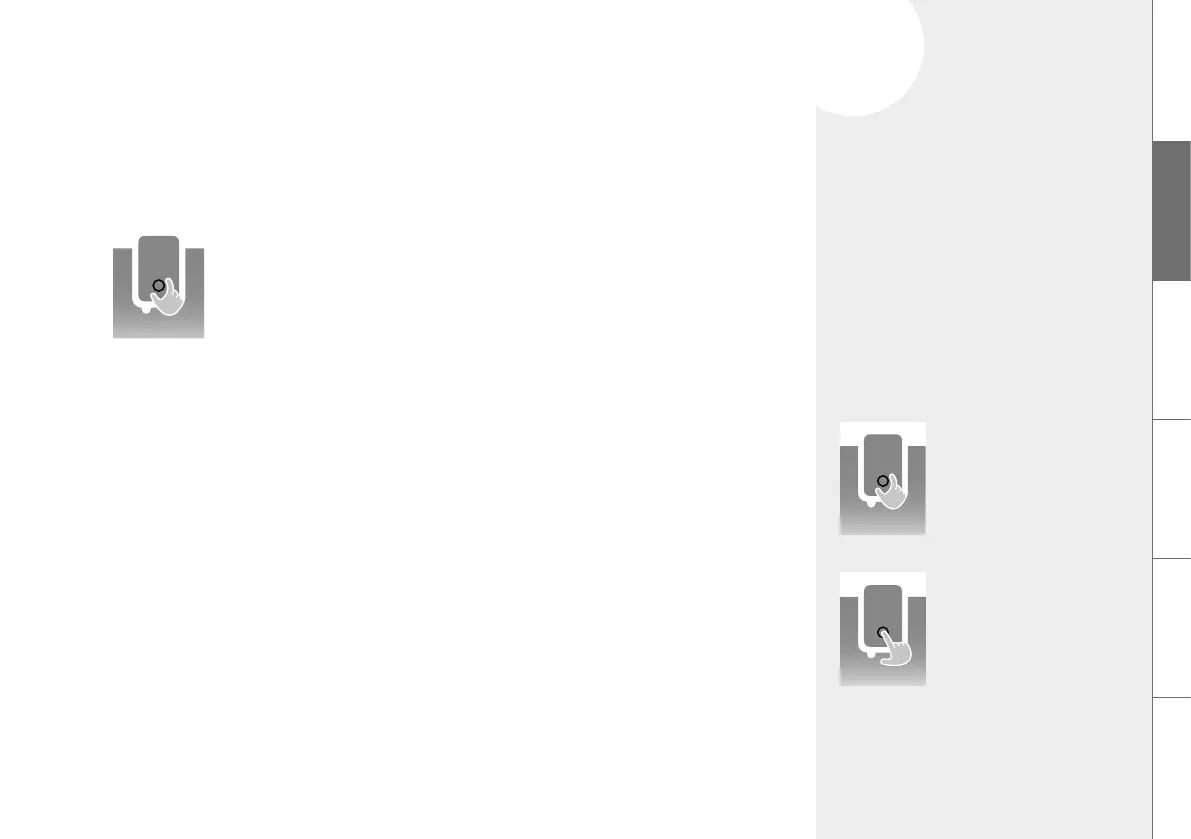
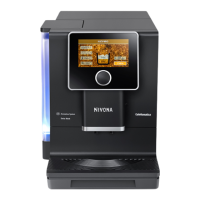
The NIVONA machine can be operated using the rotary dial:
Turning
To switch between the SPECIALITY COFFEES and the main menus SETTINGS and
MAINTENANCE, to select / navigate within the main menus and to change the setting
options in the submenus and recipe menu.
Short press
To start / confirm the currently marked function.
In the submenus and in the recipe menu, the first press selects the setting parameters and
the next press confirms the change.
A short press when the beverage is drawn cancels the procedure.
Long press
In the SPECIALITY COFFEES, a long press takes you to the recipe menu where you can
change the settings. A long press in the recipe menu and in the SETTINGS menu will
return you to the main menu.
Rotary dial
navigate / select /
change / confirm
by turning and pressing



 To Next Page