File Management
Generally we would recommend editing, manipulating and
to another or delete files.
From the main menu select the memory device on which
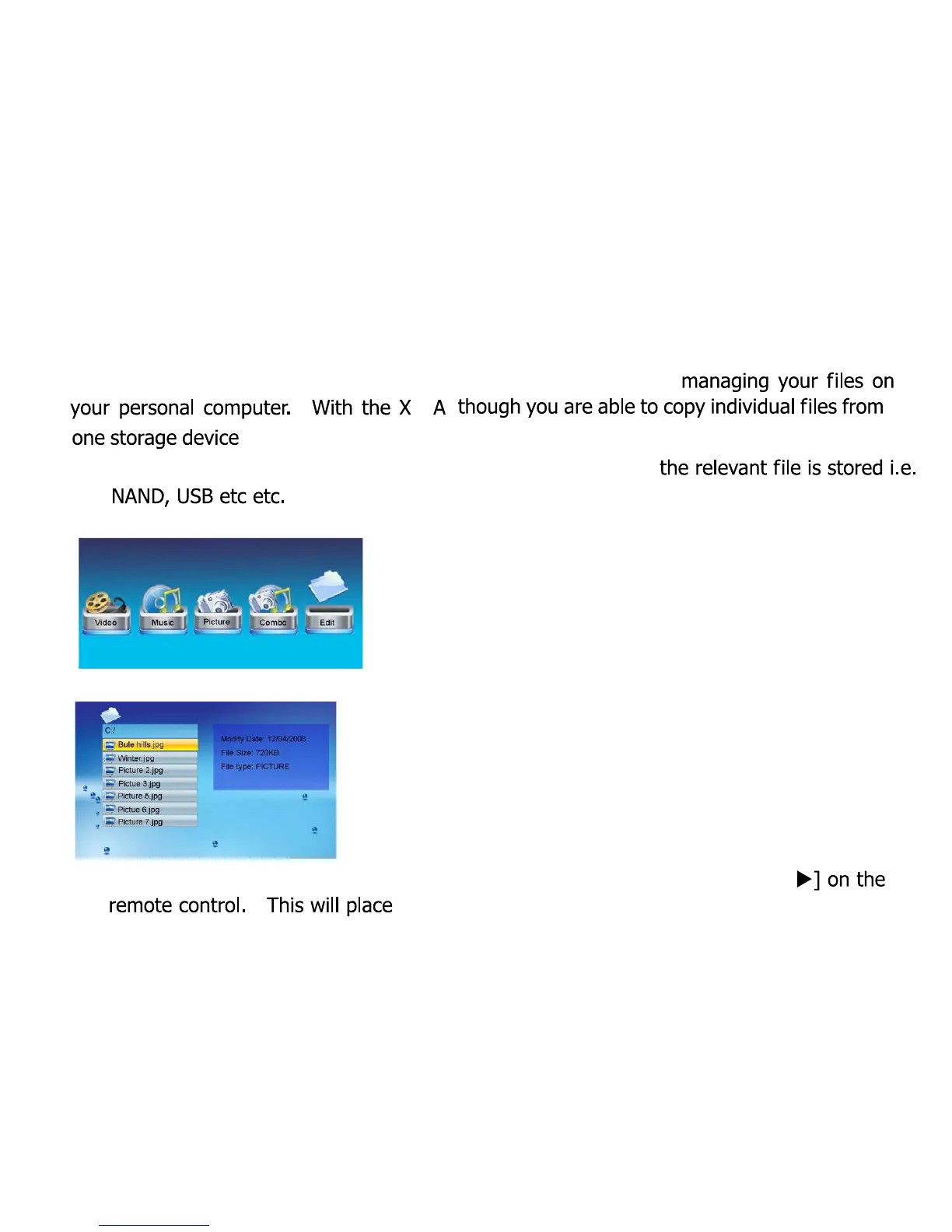
Select
Edit
from the sub menu as illustrated below:
Now scroll down to the file you wish to copy or delete:
Select the file(s) you wish to copy or delete by pressing the
RIGHT ARROW [
a tick next to the relevant file name:
10
08



 To Next Page