Quick Start Guide
Insert the jack of the DC adaptor into the digital photo frame, and then
How To View Your Photos
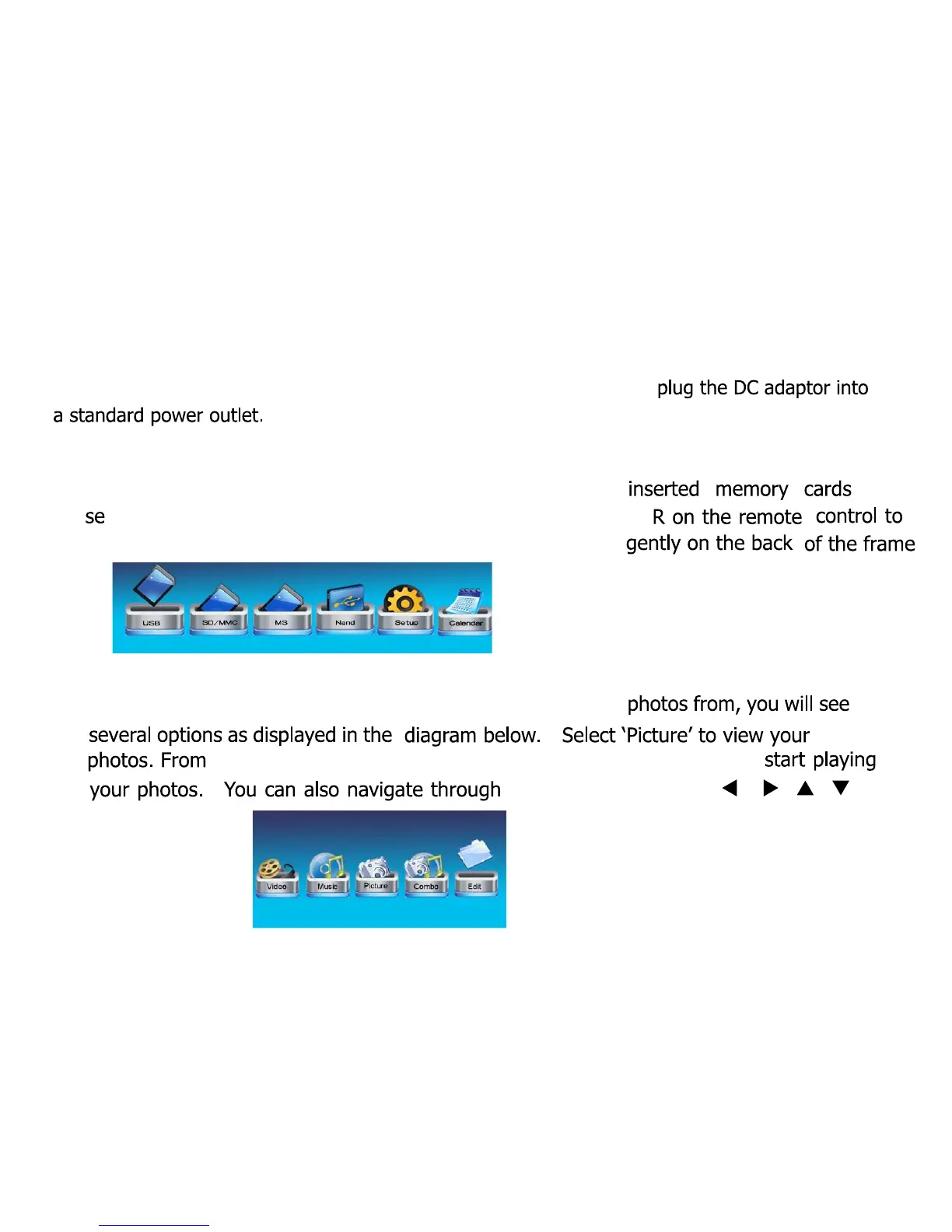
At the main menu (as illustrated below) select one of the
tup or calendar. Use the
LEFT/RIGHT button, then ENTE
select or press ENTER by pushing the toggle control in
Select Your Memory Card, USB Pen Stick or Internal Memory
(Nand)
After selecting the memory device you want to view your
here you will have access to your photos. Press enter to
your photos using the [ ]/[ ][ ][ ] buttons.
6



 To Next Page