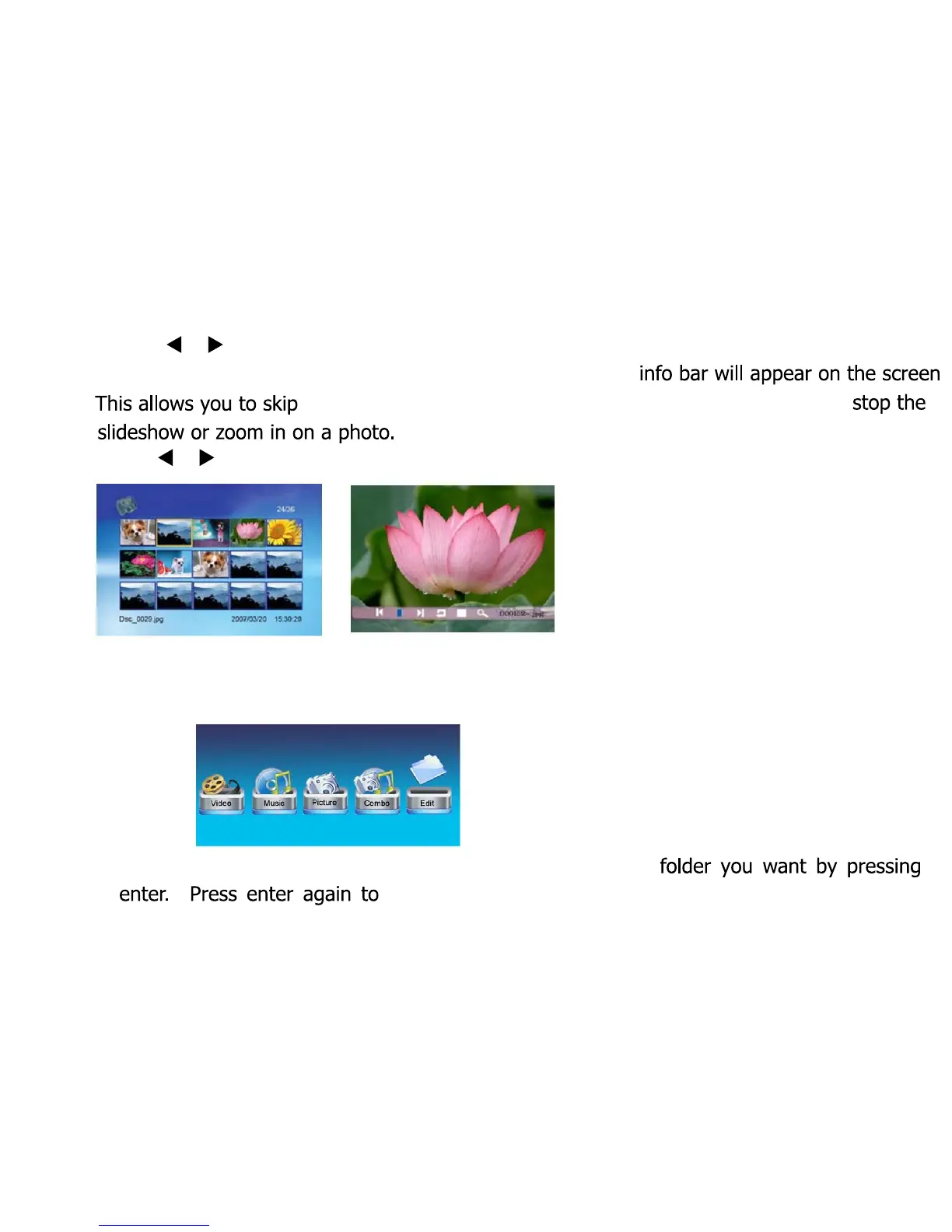
Press [ ]/[ ] to skip forwards and backwards during a
slideshow.
During a photo slideshow you can press [MENU] and the
back and forth through the photo slideshow, rotate a photo,
Press [ ]/[ ] and [ENTER] to make a selection
Viewing Photos From a Specific Folder
To view photos from a specific folder, go to Edit in the main
menu:
You should see a sub menu of your folders. Select the
start viewing photos from this folder.
7



 To Next Page