to exit the setting state directly. In the non-setting state, press the TEST key to light up all the
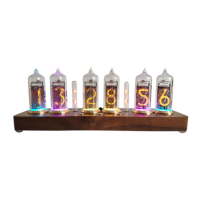
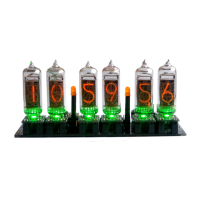
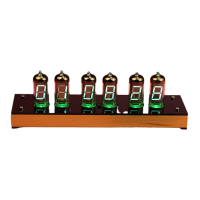
numbers for testing the Nixie tube. In the non-setting state In the status, press the "+" key to
switch the display mode in the following cycle: year>month, day, week>hour, minute and
second.
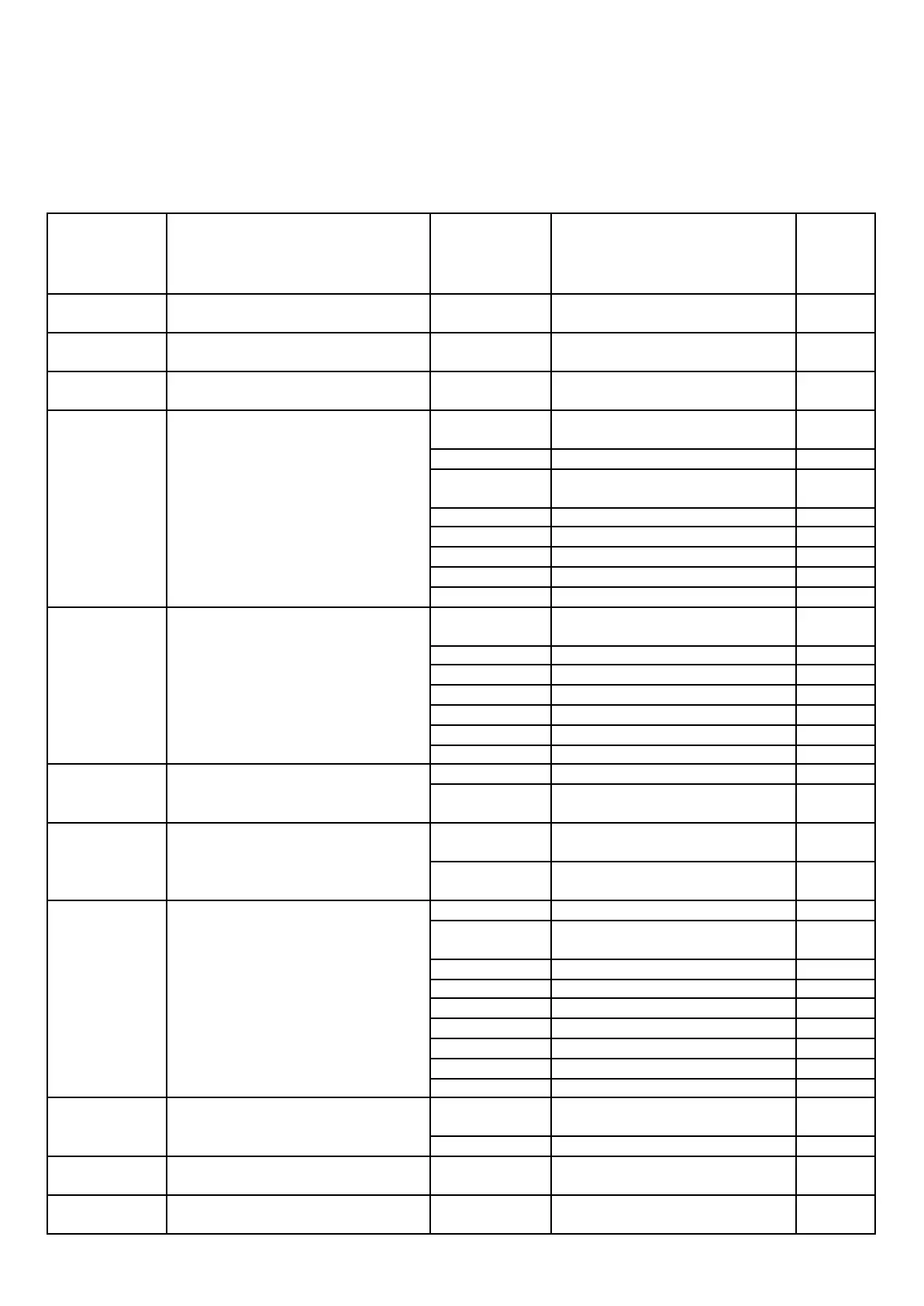
Set items in order from top to bottom
Do not display
serial number
Do not display
serial number
Month, day, week settings
Do not display
serial number
Hours, minutes, seconds settings
Anti-cathode poisoning program
execution time setting
(Executed at 10 seconds, all numbers
are displayed once to prevent aging
caused by displaying a certain
number for a long time)
Off (do not perform anti-poisoning
procedures)
Executed every 10 minutes
Executed every 20 minutes
Delayed shutdown time setting
(It will automatically shut down
within this time after being turned
on)
Off (cancel delayed shutdown)
Shut down after 2 minutes
Shut down after 5 minutes
Shut down after 10 minutes
Shut down after 30 minutes
Shut down after 60 minutes
12/24 hour format switching
Whether to blank when the ten digit
of hour, month, day and week is 0
No blanking (displays 0 in the tens
digit)
Blanking (does not display the 0 in
the tens digit)
Delimiter (colon) display mode
setting
Bright left and flash right
Flashing left and bright right
Flashing left and off right
Scheduled power-on time setting
When the second digit is 0, it is
off and 1 is on.
Scheduled shutdown time setting
When the second digit is 0, it is
off and 1 is on.


 To Next Page