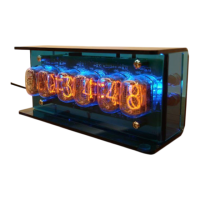
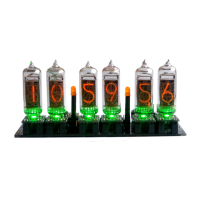
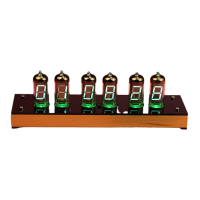
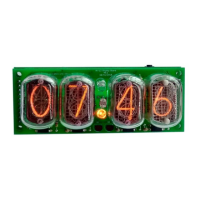
IN-14(IN-8-2) Nixie Tube Clock v1.0.2
Instructions
Designer: Yan Zeyuan. China
Website: http://www.nixieclock.org
E-mail: yanzeyuan@163.com
Catalogue
Attention …………………………………….……………………………………………………………….....……… 2
Functional Features …………………………………………..……………………………………….…..………… 2
Technical Specifications …………………………………………………….……………………………...……… 2
Package Content …………………………………………………………………………….………………....…… 2
Clock Appearance Layout ………………………..………………………….………………………….....…….. 3
IR Remote Control Function ……………………………………………………………………………....…… 3
Operation Beep Tones …………………………………………………….……………………..………....……… 3
Display Mode Switch ....……………………………………………….………...………………………………… 4
Digital Effects Switch …....………………………………………………....……………………………………… 4
Time Format 12H/24H …………………………………………………………….………………….......…… 5
Date Format YY-MM-DD/MM-DD-YY/DD-MM-YY …..……………..………………...…………… 5
Temperature Unit ℃/℉ ....…….………………………………………………...……………………………..… 5
Back Light Mode Switch ..………………………………………………………..……………………………..… 5
Beep Tone Mode Switch ………………………………..……………………..……………………………....… 5
Adjust Back Light Brightness ……………………………………………….………………………………...... 5
Set Time ……………………………………………………………………………….………………………………..… 6
Set Date ………………………………………………………………………….……………………………………..… 6
Set GMT ………………………………………………………………...………………………….………………..…… 6
Set Alarm .....…………………………………………………….…………….……………………………………....… 6
Set Switch On/Off Time …………………………………….…………….……………………………………..… 7
GPS Adjust Date & Time ……………………………………………………………………………………....… 7
Cathode Poisoning Prevention .……………………………………………………………………………..… 8
Notes .………………………………………………………………………….…………………………………………… 8

 Need help?
 General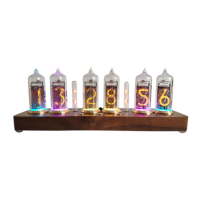

 To Next Page