Need help?
Do you have a question about the Nixie Clock Wemos Series and is the answer not in the manual?
High voltage circuit warnings and precautions to avoid electrocution. Not intended for unqualified users.
Details on 'First Start Mode', exiting it, and entering normal 'Time Keeping Mode' for initial clock setup.
Explanation of the self-check routine at startup, and the meaning of LED colors indicating status.
Manual adjustment of hours, minutes, day, month, and year, available when WiFi is inactive.
Configuration options for time format, leading zero blanking, scroll effects, date format, and display blanking.
Steps to connect the clock to a WiFi network using the 'ESPClock' access point and captive portal.
 General
| Category | Clock |
|---|---|
| Microcontroller | Wemos D1 Mini (ESP8266) |
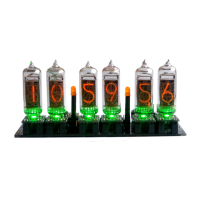
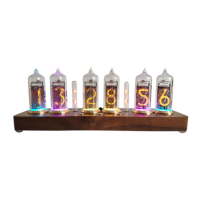
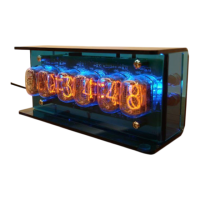
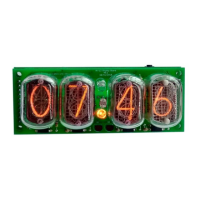
| Tube type | IN-14 Nixie Tubes |
| Connectivity | Wi-Fi |
| Time Synchronization | NTP |
| Display Type | Nixie Tube |

 To Next Page