Powering up
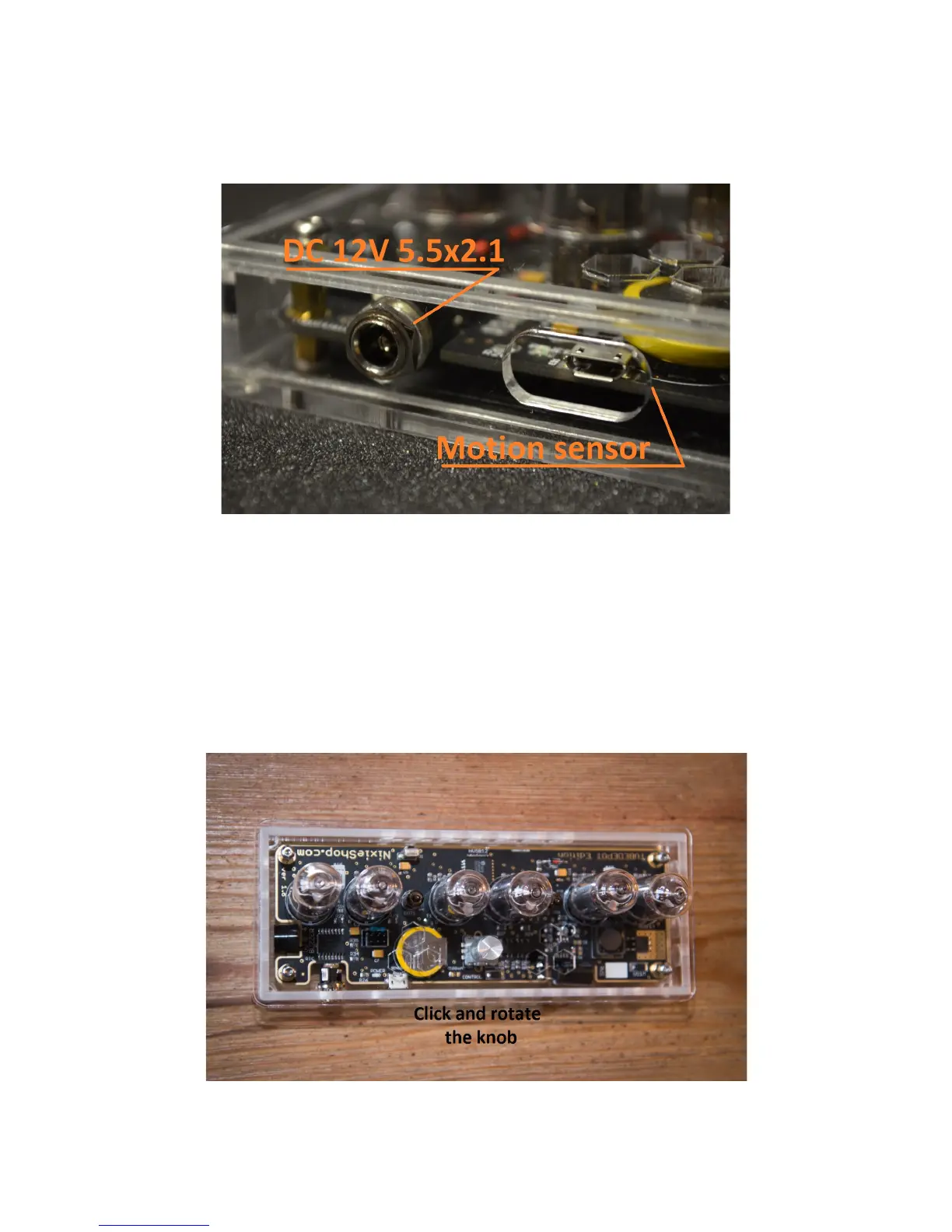
On the rear panel of the clock there are two sockets. The left pictured one is used for powering the Nixie clock.
The right one is used for the PIR motion sensor (optional):
Plugging in and turning on the power, the clock will perform a brief self-test to confirm it’s operational. The digits
on the clock will scroll through from 0-9, then the clock will beep once.
Settings and Adjustments
There are two ways to adjust the various settings of the clock:
1. The knob on the rear of the clock. Pressing it in once changes through the menu items, twisting it changes
the values.
2. Using the IR remote control. Pressing the "W" or AV/TV button changes through the menu items,
pressing the white up/down button changes the values.


 To Next Page