Pairing your Frame
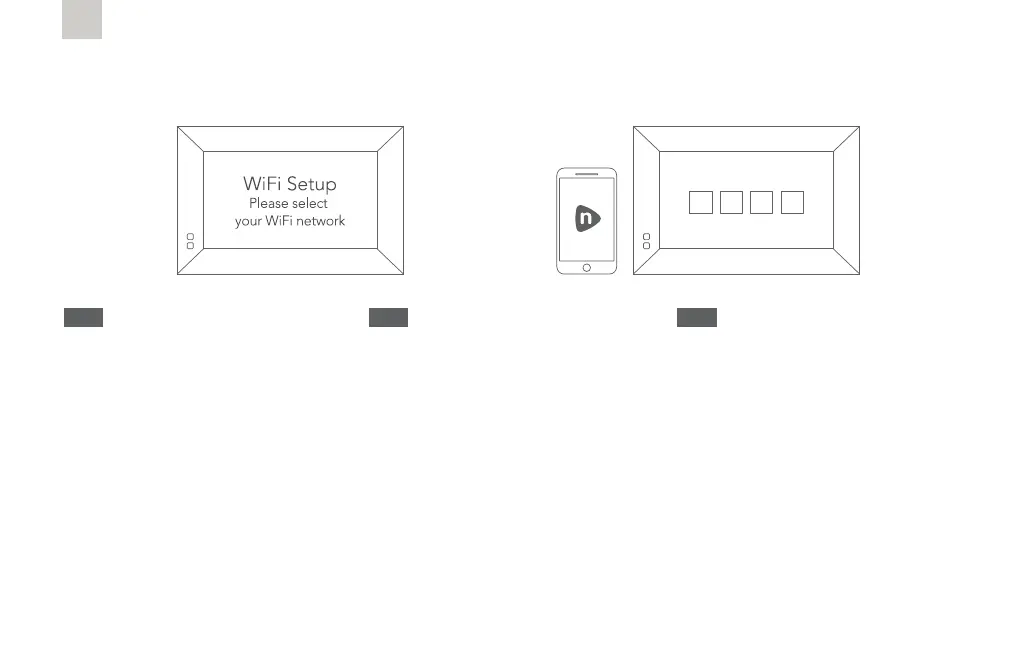
1) Connect your frame to Wi-Fi
Enter your WiFi password using your
remote control. Once connected, a
16-digit serial number will appear on your
frame screen.
2) Select ‘Pair a New Frame’ in your
Nixplay app or after logging in to www.
nixplay.com. Enter the 16-digit serial
number shown on your frame. You are
now paired and ready to start sharing
memories!
EN
1) Verbinden Sie den Rahmen mit Ihrem
WLAN
Geben Sie Ihr WLAN-Passwort mit der
Fernbedienung ein. Nach der Verbindung
erscheint eine 16-stellige Seriennummer
auf Ihrem Bildschirm.
2) Wählen Sie in Ihrer Nixplay-App
oder nach der Anmeldung unter
www.nixplay.com. die Option „Pair a
New Frame“ (Neuen Rahmen verbinden).
Geben Sie die 16-stellige Seriennummer
ein, die auf Ihrem Rahmen angezeigt
wird. Sie sind jetzt verbunden und
können Fotos teilen!
DE
1) Collega la tua cornice al Wi-Fi
Inserisci la password del Wi-Fi utilizzando
il telecomando. Una volta connesso,
sullo schermo della cornice apparirà un
numero di serie a 16 cifre.
2) Seleziona ‘Pair a New Frame’ (Associa
una nuova cornice) nella tua app Nixplay
o dopo aver effettuato il login su
www.nixplay.com. Inserisci il numero di
serie a 16 cifre presente sulla cornice. A
questo punto è associata e puoi iniziare a
condividere ricordi!
IT
21



 To Next Page